
If you try to run PlayStation 1 games on an emulator and it fails to start, the reason is often simple. The emulator cannot find a PSX BIOS file. Many users hit this issue on the first run and feel stuck. The BIOS is not a game file. It is a core system file that helps the emulator behave like the original console.
The PSX BIOS comes from the original PlayStation made by Sony. Emulators depend on this file to boot games correctly, show the startup screen, and handle system-level tasks. Without it, many emulators either refuse to load or work with limited accuracy.
What Is a PlayStation PS1 BIOS?
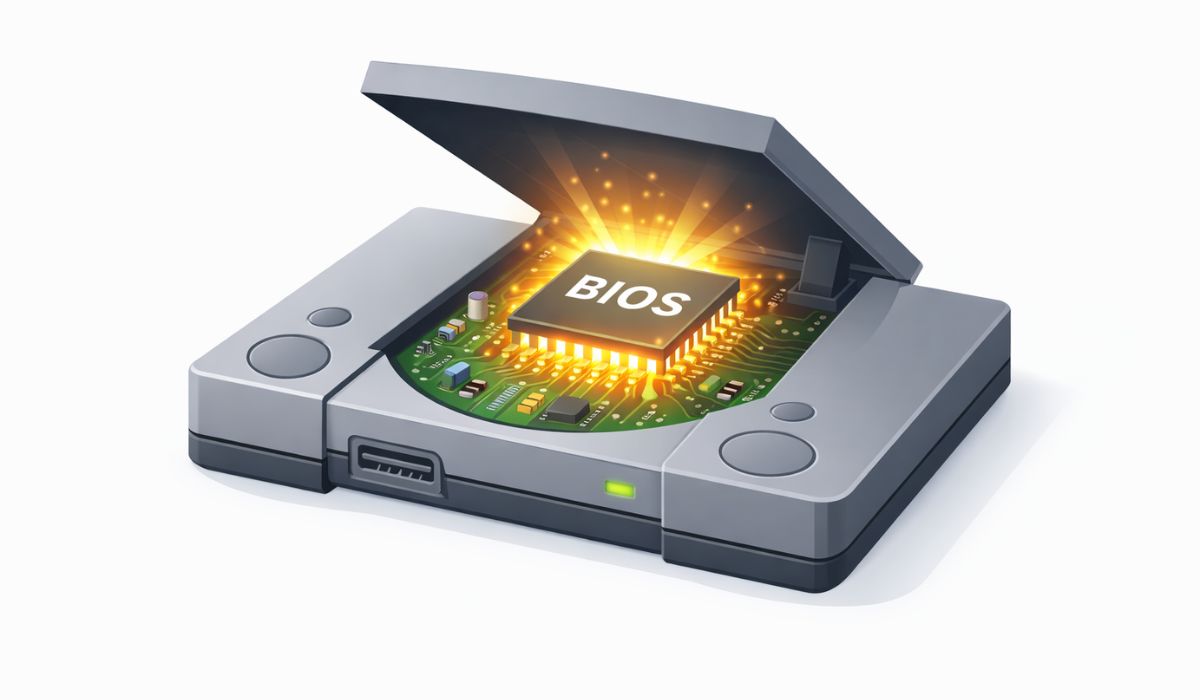
A PS1 BIOS is firmware used by the original PlayStation console. Firmware means low-level software stored on the console hardware. It controls startup behavior, memory access, audio handling, and basic system checks. In simple words, it tells the console how to behave before any game starts.
When you emulate a PlayStation system on a computer or phone, the emulator tries to copy the same behavior. To do that correctly, it loads the original BIOS file. This file usually comes as a BIN format and contains data taken from a real PlayStation console.
Why PS1 Emulators Need a BIOS File
Most PlayStation emulators aim to act like real hardware. They do not guess system behavior. They read instructions from the BIOS.
Here is why the BIOS matters:
- It runs the boot sequence before the game loads
- It handles memory card access and system calls
- It improves compatibility with older games
- It allows the emulator to match real console timing
- It shows the original PlayStation startup screen
Some emulators offer a built-in replacement, but accuracy drops without the real BIOS.
Common PSX BIOS File Names and Regions
PS1 BIOS files come in different versions. Each version links to a console region. Region matters because some games expect matching firmware.
Common BIOS files include:
- SCPH1001 – North America
- SCPH5501 – North America
- SCPH7003 – Japan
- SCPH7502 – Europe
- SCPH9001 – Late US model
Most emulators work best when the BIOS region matches the game region. A mismatch may still boot, but issues can appear.
Is Downloading PSX BIOS Legal?
The legality of PSX BIOS files depends on ownership and local law. In general, Sony owns the BIOS code. Downloading it from random websites is usually not allowed unless you own the console.
The legal method is to dump the BIOS from your own PlayStation console. This means you extract the firmware from hardware you already own. Laws vary by country. I do not know about it for every region, so you should check local rules before downloading or sharing BIOS files.
How to Get a PSX BIOS File the Right Way
The safest approach is to dump the BIOS from a real PlayStation console you own. This avoids legal risk and ensures file accuracy.
Basic steps include:
- Use a real PS1 console
- Run a BIOS dumping tool through a modded setup
- Save the BIOS as a BIN file
- Verify the file size and name
- Store it in a secure folder for backup
This method takes effort, but it gives you a clean and valid BIOS file.
How to Install PSX BIOS on Popular Emulators
Each emulator handles BIOS files a bit differently. The idea stays the same. You place the file in the right folder and tell the emulator where to find it.
Installing BIOS in DuckStation
DuckStation focuses on accuracy and ease of use.
Steps:
- Open DuckStation settings
- Go to BIOS section
- Select the folder where your BIOS file is stored
- Confirm detection status
- Restart the emulator
DuckStation shows a clear message when the BIOS loads correctly.
Installing BIOS in ePSXe
ePSXe is older but still widely used.
Steps:
- Open ePSXe
- Enter Config menu
- Select BIOS option
- Browse to your BIOS file
- Save settings and reload
ePSXe may require manual plugin setup after BIOS detection.
Installing BIOS in RetroArch
RetroArch works as a front-end for many systems.
RetroArch does not ask for BIOS files directly. Instead, it scans folders. You must place the BIOS file in the correct system directory. After that, load a PlayStation core and start a game.
Where to Place the PSX BIOS File?
Correct folder placement matters. If the file sits in the wrong place, the emulator will not find it.
Common locations:
- Windows – emulator or system folder inside Documents
- Android – RetroArch system folder on internal storage
- macOS – Application Support folder for the emulator
- Linux – hidden .config or emulator system folder
Each emulator documentation lists exact paths. Always double-check folder names.
Common PSX BIOS Errors and Fixes
BIOS issues often look scary but stay simple.
Typical problems include:
- BIOS not found – file path is wrong
- Black screen on boot – wrong BIOS region
- Game loads without sound – BIOS mismatch or corruption
- Emulator crashes – BIOS file damaged
Rechecking file names, regions, and placement fixes most cases.
BIOS vs HLE BIOS – What Is the Difference?
Some emulators use HLE BIOS. HLE means high-level emulation. It replaces the original BIOS with code written by emulator developers.
HLE BIOS loads faster and avoids legal concerns. Real BIOS files offer better accuracy and fewer glitches. For casual play, HLE may work. For faithful emulation, original BIOS wins.
Final Notes for Smooth PS1 Emulation
The PSX BIOS is the backbone of PlayStation emulation. Without it, most emulators cannot behave like the real console. Using the correct BIOS improves stability, sound timing, and game compatibility.
If you already own a PlayStation console, dumping your own BIOS gives the best results. Take time to set folder paths correctly and match regions. If this guide helped you, share it with others and leave a comment. Your setup or issue may help someone else fix their emulator faster.