
TheTVApp is searched by many users because it offers free live TV and sports streams, but people still want to know if it is legit. That makes sense. When a site gives free access to live TV, sports, news, and entertainment channels, users naturally ask if it is safe, legal or risky.
The short answer is this: TheTVApp may work as a free live TV streaming site, but that does not automatically make it a fully verified or licensed streaming service. Some pages associated with TheTVApp-style sites claim to offer free access to hundreds of live channels, sports, news and movies without downloads or registration. But free access to premium-style TV content can also bring safety, privacy,and legal concerns.
What Is TheTVApp?
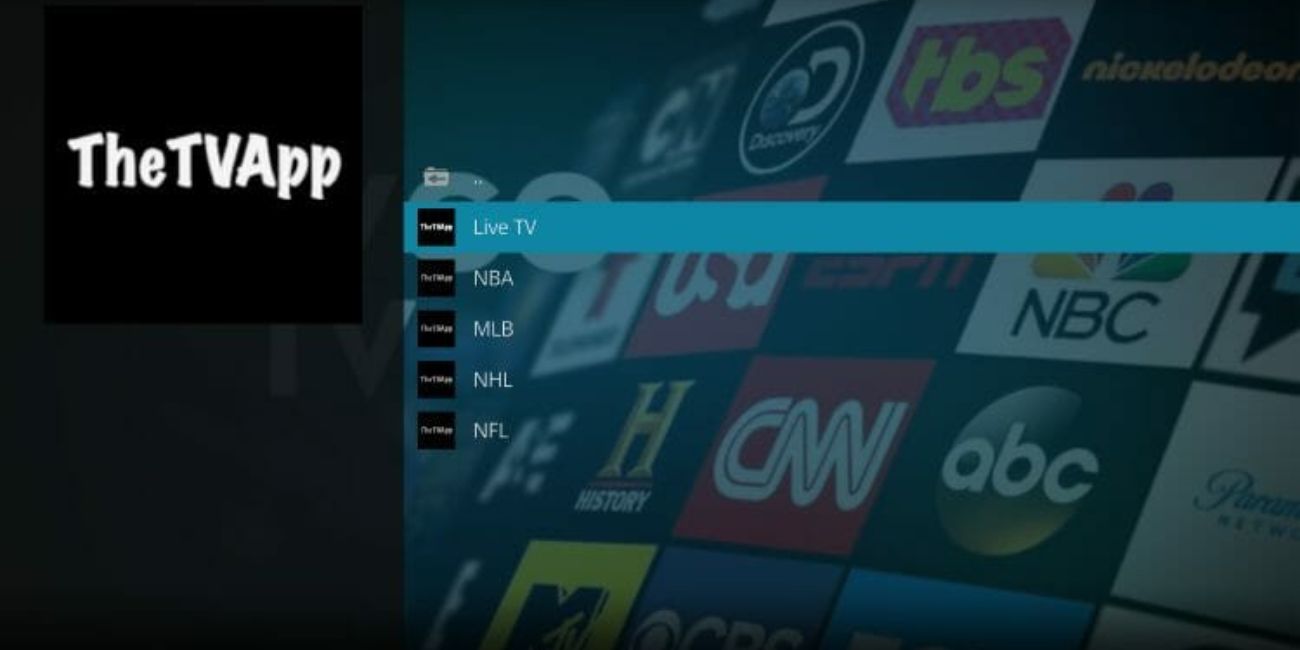
TheTVApp is known as a browser-based live TV streaming site. Users visit it to watch live TV channels, sports, news, movies, and entertainment streams. Some versions of the site say users can watch without creating an account or downloading anything.
This is where things get a little tricky. There are different domains and similar-looking websites using TheTVApp or close names. So when someone asks “is TheTVApp legit,” the answer can depend on the exact site they opened. A real-looking page and a copycat page can feel almost the same to a normal user.
Is TheTVApp Legit?
TheTVApp may work as a streaming website, but “working” does not mean it is fully legit in the same way as Netflix, Hulu, Pluto TV or other licensed apps. A site can load streams and still have unclear ownership, unclear licensing, or safety concerns.
The main issue is not only whether the stream plays. The bigger question is whether the site has rights to show those channels. Some third-party articles describe TheTVApp.to as an illegal streaming platform for premium TV channels. That is why users should be careful and not treat it like an official TV service.
Is TheTVApp Safe to Use?
TheTVApp safety depends on the exact domain, ads, redirects, and what the site asks you to do. If a page only plays streams in browser, that is one thing. But if it asks you to download an APK, allow browser notifications, install an extension, create an account, or enter payment details, that becomes more risky.
HTTPS alone does not prove a streaming site is safe. A scam site can also use HTTPS. The safer rule is simple: do not download unknown files, do not allow pop-up notifications, and do not enter personal or payment details on a streaming page you do not fully trust.
Free live streaming sites can also use heavy tracking, deceptive ads, and risky redirects. Research on illegal live streaming services found that these sites can expose users to tracking, scams, deceptive ads, and malicious browser extension risks. So yes, safety should be taken seriously.
Is TheTVApp Legal?
The legal side is not always simple, because it depends on the content rights and your location. But in general, free access to premium TV channels, live sports, and paid-style channels can be a legal concern if the site does not clearly show licensing rights.
This is not legal advice, but it is a fair warning. If a streaming site gives free access to channels that normally require a paid TV package, you should be careful. Licensed apps usually show clear company details, app store pages, terms, privacy policy, and content partners. Random browser streaming sites often do not make those things clear.
Why Do People Use TheTVApp?
People use TheTVApp because it is simple and fast. They do not want to create another account, install a big app, or pay for another subscription just to watch one channel or event.
Main reasons people search for it include:
- Free live TV access
- Sports streams
- News and entertainment channels
- No signup on some versions
- Browser-based viewing
- Quick access on phone, PC, or TV browser
That convenience is the reason it gets attention. But convenience and safety are not always the same thing.
Main Risks of Using TheTVApp
TheTVApp-style sites can carry different risks, especially if you land on a fake or copycat domain. Even if one domain looks clean, another similar domain may show pop-ups, fake install buttons, or redirects.
Main risks include:
- Fake or copycat TheTVApp websites
- Pop-ups and unsafe redirects
- Unknown APK or app downloads
- Browser notification spam
- No clear ownership details
- No clear privacy policy
- Possible copyright or licensing issues
- Unstable streams or sudden downtime
- ISP or region blocks
- Fake payment or login prompts
The biggest warning sign is when a site asks you to install something before watching. For a normal browser stream, you should not need a random APK, extension or “video player update.”
How to Use TheTVApp More Safely If You Still Visit It
If you still visit TheTVApp, use basic safety habits. This is not about promoting risky streaming. It is about avoiding obvious scams, fake downloads, and privacy problems.
Follow these tips:
- Do not download random APKs or extensions
- Do not enter payment details
- Do not create an account on copycat pages
- Do not allow browser notifications
- Close pop-ups and redirects
- Keep your browser updated
- Use antivirus protection
- Check the domain carefully
- Avoid fake mirror links
- Use legal apps for important or paid content
Also, do not use work devices or family devices for risky streaming sites. If a page starts opening random tabs, close it right away.
Safer Legal Alternatives to TheTVApp
If you want free and safer streaming, use legal ad-supported apps. Pluto TV offers free movies, TV shows and live TV online. Tubi also offers free movies and TV shows online. These types of services are usually safer because they are built around licensed content and ads.
Other options to check include:
- Pluto TV
- Tubi
- The Roku Channel
- Freevee
- Sling Freestream
- Local broadcaster apps
- YouTube TV
- Hulu + Live TV
- Fubo
- DIRECTV Stream
Some are free with ads, and some are paid live TV services. They may not have every channel you want, but they are safer choices for regular viewing.
Who Should Avoid TheTVApp?
You should avoid TheTVApp if you only want fully licensed content, clean privacy terms, and a safe app-store style experience. It is also better to avoid it on school, work, shared, or family devices. Those devices should stay clean from pop-ups, tracking, and unknown downloads.
Parents should also be careful. Free streaming sites can show unexpected ads or redirects, and those are not always family-friendly. If kids are watching TV, official apps are a better choice.
Final Verdict: Is TheTVApp Legit?
TheTVApp may work as a free streaming site, but it is not the same as a fully verified legal streaming service. The biggest concerns are unclear licensing, copycat domains, privacy risk, pop-ups, and possible unsafe redirects. So calling it fully “safe and legit” would not be the right answer.
If you still open it, be careful. Do not download anything, do not enter payment details, do not allow notifications and avoid fake mirror sites. For a safer experience, use official legal apps like Pluto TV, Tubi, The Roku Channel, Freevee or paid live TV services.
Have you used TheTVApp for live TV, sports or news? Comment what device you used and whether you saw pop-ups, redirects, or any warning message.