
Business cards may be small. But they can make a big first impression. A great card tells people who you are in seconds. It shows your style. It builds trust. And yes, it can even spark conversations.
If you want your card to stand out in a stack, you need the right tools. The good news? You do not need to be a designer. You just need the right platform and a little creativity.
TL;DR: Business cards still matter. The right tool can help you design something professional, creative, and memorable without stress. Canva, Adobe Express, Vistaprint, Moo, and VistaCreate are top choices for different needs and budgets. Pick one that fits your style, skill level, and printing goals.
Let’s explore the go-to tools that help you create business cards that truly leave an impression.
What Makes a Business Card Memorable?
Before jumping into tools, let’s get clear on what makes a card amazing.
- Clean design – Not too crowded.
- Readable fonts – Simple and clear.
- Strong logo – Easy to recognize.
- Quality material – Feels good in the hand.
- Unique touch – Something people remember.
A shiny finish. A thick card. A bold color. A QR code. Small details matter.

Now, let’s look at the tools that make this easy.
1. Canva – The Easy Favorite
Best for: Beginners and small businesses.
Canva is simple. Very simple. You can drag and drop elements into place. No design skills needed.
It offers:
- Thousands of templates
- Easy font matching
- Logo uploads
- Color palette tools
- Print-ready downloads
You can customize everything. Change colors. Swap fonts. Move text around. It feels almost like playing a game.
Why people love it: It saves time. And it makes you look professional.
One tip: Avoid overusing elements. Keep it clean.
2. Adobe Express – Polished and Professional
Best for: Brands that want a sleek, premium look.
Adobe Express offers powerful design tools. But without the complexity of full Adobe software.
It includes:
- High-quality design assets
- Professional typography tools
- Brand kits for consistency
- Advanced color control
This is great if you already have brand guidelines. You can keep everything aligned with your website and social pages.
Bonus: It integrates well with other Adobe tools.
Keep in mind: It may feel slightly advanced for total beginners.
3. Vistaprint – Design and Print in One Place
Best for: People who want convenience.
Vistaprint is known for printing. But it also offers easy design features.
You can:
- Choose a template
- Edit text and colors
- Preview in 3D
- Order prints directly
It simplifies the whole process. Design. Click. Ship.
They also offer upgrades like:
- Glossy finish
- Matte texture
- Spot UV highlights
- Rounded corners
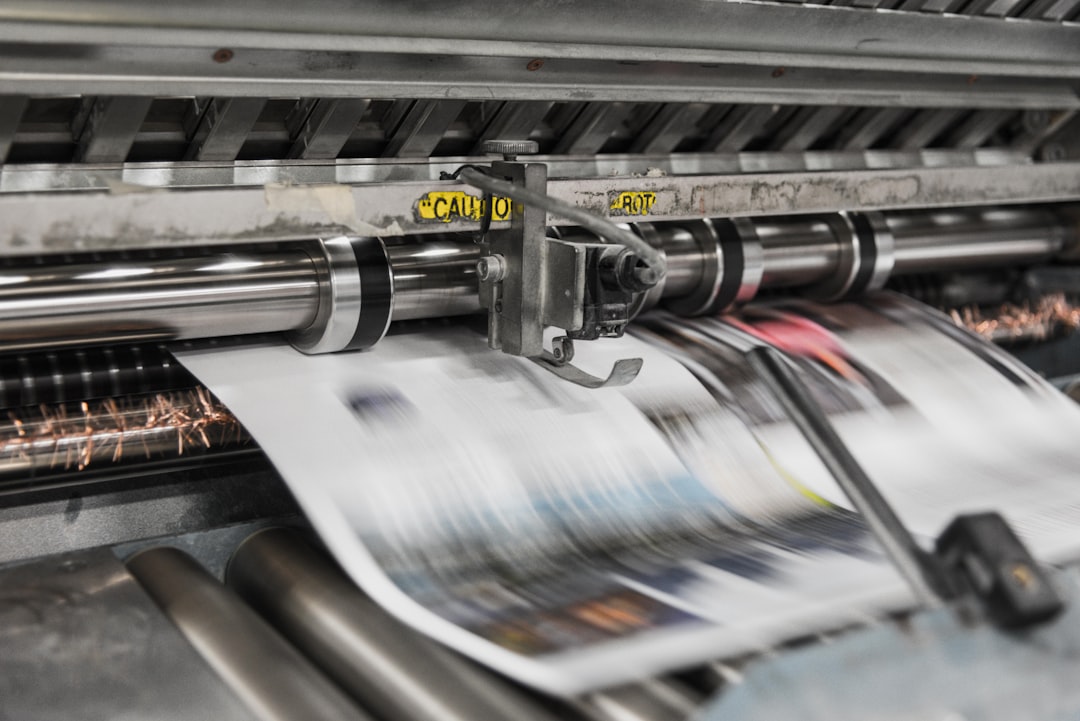
Great for: Busy entrepreneurs who want it done fast.
4. Moo – Premium and Unique
Best for: Creative professionals.
Moo focuses on high-end printing. Their cards feel different. Thicker. Stronger. More luxurious.
What makes Moo special?
- Printfinity (different image on each card)
- Super thick paper stock
- Foil accents
- Luxury finishes
If you are a designer, photographer, or artist, this can be powerful. Imagine giving ten people ten slightly different cards. That stands out.
Downside: Higher cost. But worth it for premium branding.
5. VistaCreate – Creative and Flexible
Best for: Social media-savvy entrepreneurs.
VistaCreate works a lot like Canva. It offers bold templates and fresh layouts.
You get:
- Modern design elements
- Creative fonts
- Easy resizing features
- Brand kit options
If you love experimenting with style, this is fun to use. It encourages bold color and strong visuals.
Quick Comparison Chart
| Tool | Best For | Skill Level | Printing Available | Price Range |
|---|---|---|---|---|
| Canva | Beginners | Easy | Yes | Free + Paid |
| Adobe Express | Professional branding | Medium | No direct print | Paid |
| Vistaprint | All-in-one convenience | Easy | Yes | Affordable |
| Moo | Premium designs | Easy | Yes | Higher |
| VistaCreate | Creative entrepreneurs | Easy | No direct print | Free + Paid |
How to Choose the Right Tool
Ask yourself a few simple questions:
- Do I need printing included?
- Is my brand playful or serious?
- Do I already have a logo?
- What is my budget?
- How fast do I need the cards?
If you want everything in one step, choose Vistaprint or Moo.
If you want creative control, choose Canva or Adobe Express.
If you want bold and modern, try VistaCreate.
The best tool is the one that fits your workflow.
Pro Tips for Designing a Card That Pops
Here are simple but powerful tricks:
1. Use Both Sides
Do not waste space. Add a tagline. A QR code. Or a bold visual on the back.
2. Keep It Minimal
More white space equals more elegance.
3. Choose One Accent Color
Too many colors feel messy. One strong color feels confident.
4. Make Your Name the Star
It should be the first thing people see.
5. Add Texture
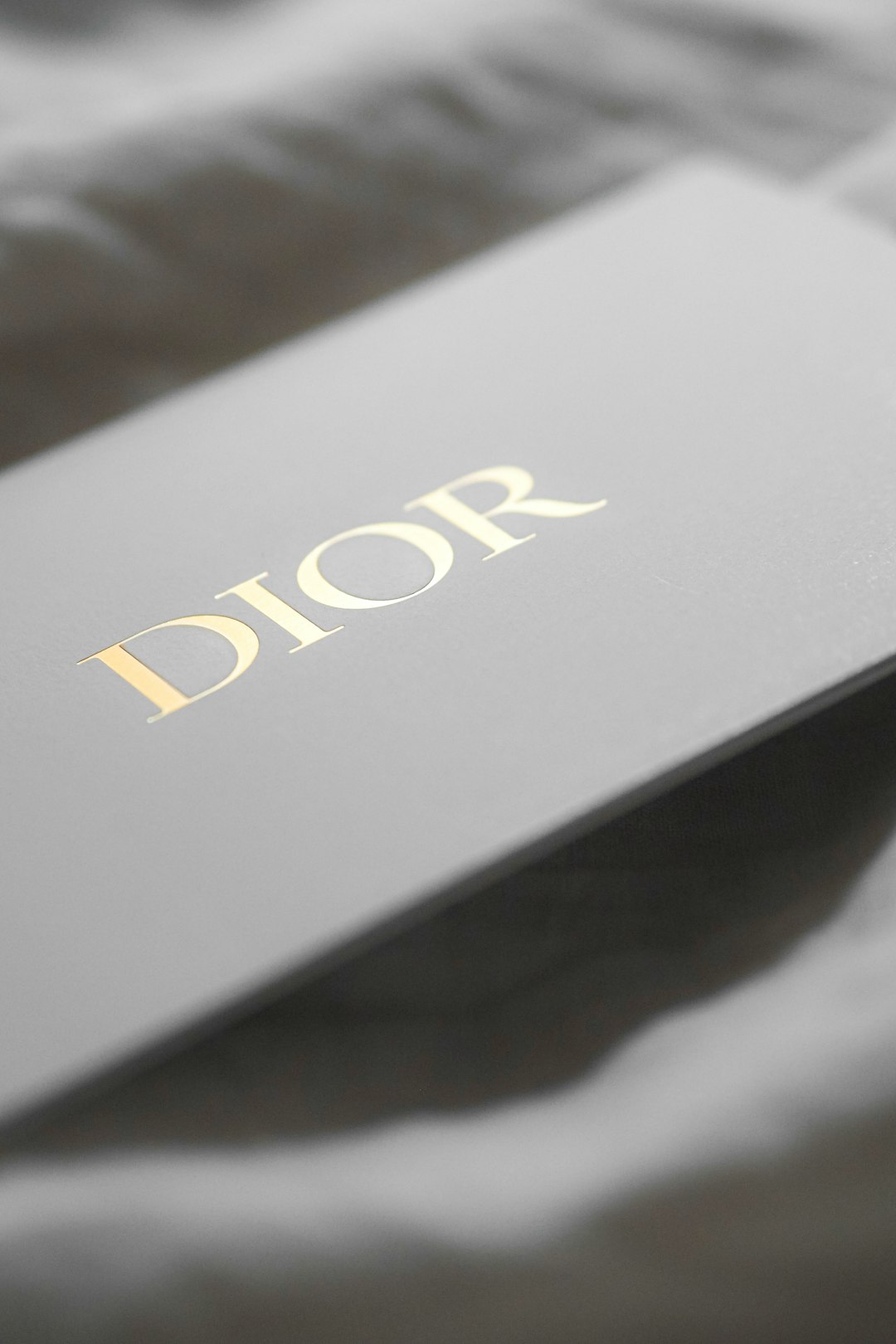
Matte. Soft-touch. Embossed. Texture adds personality.
Digital Business Cards – Should You Care?
Yes. But do not replace print completely.
Many tools now let you create digital versions. These can include:
- Clickable links
- Social media buttons
- Email tap-to-send
- QR codes for websites
This is perfect for networking events. Or online meetings.
Smart move: Put a QR code on your printed card linking to your digital profile.
Best of both worlds.
Common Mistakes to Avoid
- Tiny unreadable fonts
- Low-quality logo files
- Too much information
- Random colors
- No bleed margin for printing
Always preview before printing. Zoom in. Check spelling. Triple-check your phone number.
One typo can ruin everything.
Final Thoughts
A business card is more than paper. It is a mini billboard for your brand.
It speaks when you are not in the room. It travels. It stays on desks. It gets pinned to boards.
Using the right tool makes the process easy. And even fun.
Whether you choose Canva for simplicity. Adobe Express for polish. Vistaprint for convenience. Moo for luxury. Or VistaCreate for bold design.
The key is this: keep it clear, keep it clean, and make it memorable.
Because when someone looks at your card for just five seconds…
You want them to remember you for much longer.