
A business card may be small, but it often carries a large part of a professional’s first impression. Whether it belongs to a freelancer, startup founder, consultant, designer, photographer, or local service provider, the right card can communicate personality, credibility, and attention to detail in just a few seconds.
TL;DR: The best business card design tools help professionals create cards that look polished, memorable, and aligned with their brand. Some tools are ideal for beginners who want templates, while others serve designers who need advanced control over typography, layout, paper finishes, and print preparation. This article reviews 16 business card design tools that can help brands stand out, from simple online makers to professional design software and print-focused platforms.
Modern business card design is no longer limited to a name, phone number, and logo on plain white stock. Today, businesses can use bold colors, custom illustrations, QR codes, embossed finishes, premium paper, and minimalist layouts to make a card feel intentional. The following tools offer different levels of creative freedom, making it easier for professionals to produce a card that fits their budget, style, and audience.
Image not found in postmeta
1. Canva
Canva is one of the most popular tools for business card design because it combines ease of use with a large library of templates. It works especially well for small business owners, coaches, creators, and freelancers who want a professional-looking card without hiring a designer.
Users can customize colors, fonts, icons, logos, and layouts with a simple drag-and-drop editor. Canva also offers print ordering, making it convenient for those who want to move from design to delivery in one place. Its strength lies in accessibility, though professionals seeking extremely precise print controls may prefer more advanced software.
2. Adobe Express
Adobe Express is a beginner-friendly design platform that helps users create clean, modern business cards quickly. It includes templates, stock images, icons, and simple branding tools. For businesses already using Adobe products, it can be a practical lightweight option.
The platform is useful for creating cards for events, side businesses, personal brands, and quick campaigns. Its templates tend to look polished, and the learning curve is much lower than full Adobe design software.
3. Adobe Illustrator
Adobe Illustrator is a professional vector design tool used by graphic designers, agencies, and brand specialists. It is ideal for creating business cards with custom logos, illustrations, icons, and precise typography.
Because it works with vector graphics, Illustrator allows designs to remain sharp at any size. It also gives designers strong control over alignment, spacing, bleed settings, color modes, and print-ready file exports. For serious branding work, it remains one of the strongest choices.
4. Adobe InDesign
Adobe InDesign is another professional tool, particularly useful when a designer is creating multiple branded print materials. While Illustrator is often preferred for logo-heavy layouts, InDesign excels at structured print design, typography, and multi-page brand collateral.
A company producing business cards, letterheads, brochures, and brand guides may benefit from using InDesign to keep everything consistent. It is best suited for experienced users or design teams that understand print production.
5. Affinity Designer
Affinity Designer is a powerful alternative for professionals who want advanced design features without a subscription model. It supports vector and raster workflows, making it flexible for business card layouts that include logos, shapes, textures, and photo elements.
Its one-time purchase model appeals to freelancers and small studios. It also provides strong export options, precision controls, and a clean interface for designers who need professional results at a lower long-term cost.
6. VistaCreate
VistaCreate offers an easy design experience with a wide selection of templates for business cards and other marketing materials. It is particularly helpful for entrepreneurs who want quick, stylish designs for both print and digital promotion.
The platform includes design elements, fonts, photos, and brand kits. Its template-first approach helps non-designers create visually appealing cards without starting from a blank canvas.
7. Vistaprint
Vistaprint is well known for combining online design tools with printing services. It offers numerous business card templates, paper types, finishes, and quantities, making it a strong option for businesses focused on fast production.
Users can create a design online or upload a finished file from another design program. Vistaprint’s real advantage is its print convenience, especially for business owners who need affordable cards delivered quickly.
Image not found in postmeta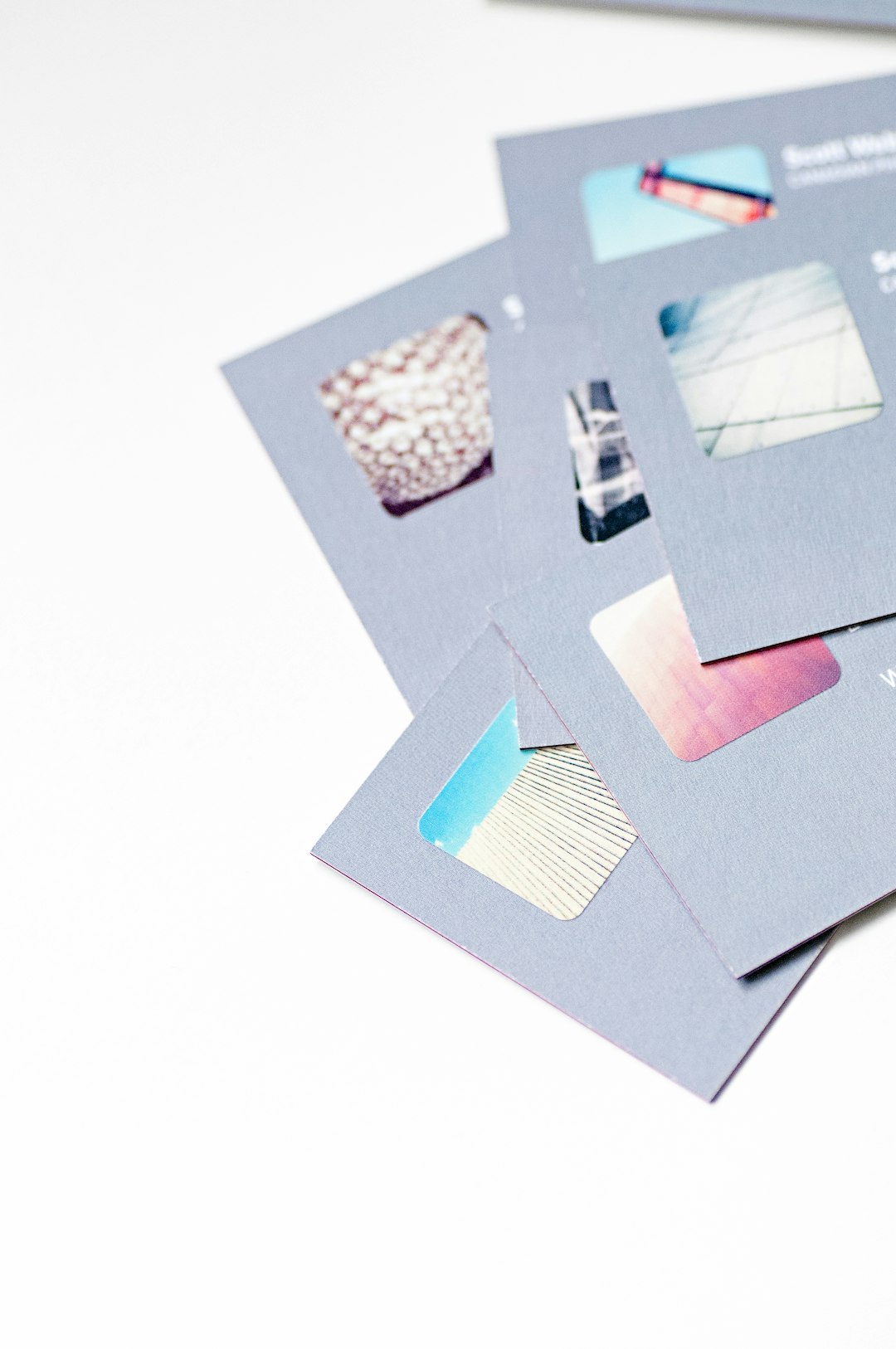
8. MOO
MOO is a print-focused platform known for premium business cards, distinctive finishes, and high-quality paper stocks. It is especially appealing to brands that want their cards to feel impressive, not just look good.
MOO offers options such as square cards, luxe paper, rounded corners, foil accents, and multiple designs in one pack. Creatives, consultants, luxury brands, and boutique businesses often choose it when tactile quality matters.
9. Zazzle
Zazzle provides a marketplace-style approach to business card creation. Users can browse designs from independent creators, customize templates, and order printed cards through the platform.
It is useful for professionals who want something more decorative, artistic, or niche-specific. Since many designs are created by different artists, the variety is broad, ranging from minimalist corporate cards to colorful illustrated styles.
10. Figma
Figma is widely used for digital product design, but it can also be effective for business card layouts. Its collaborative features make it valuable for teams that want to review, comment on, and refine designs together.
While Figma is not primarily a print production tool, it works well for layout experimentation and brand concept development. Designers can create card mockups, test typography, and share versions with clients before finalizing files in dedicated print software.
11. Marq
Marq, formerly known as Lucidpress, is a brand templating and design platform that helps organizations maintain consistency across marketing materials. It is particularly useful for companies with teams, branches, or sales representatives who all need branded business cards.
Administrators can control templates, logos, colors, and approved design elements. This reduces the risk of off-brand cards and ensures that every employee’s card follows a consistent visual identity.
12. Microsoft Publisher
Microsoft Publisher remains a straightforward desktop publishing tool for users who prefer working within the Microsoft environment. It includes layout tools suitable for simple business card designs, especially for small offices and traditional businesses.
Publisher is not as advanced as professional design software, but it can be practical for quick, clean layouts. It works well for users who want familiar menu structures and basic print setup options.
13. CorelDRAW
CorelDRAW is a professional vector design platform often used for print, signage, packaging, and branding projects. It gives designers detailed control over shapes, typography, color management, and file preparation.
Business cards created in CorelDRAW can be highly customized, from minimal corporate designs to complex illustrated layouts. It is particularly popular among print shops and production-focused designers.
14. Jukebox
Jukebox specializes in unique print products and premium business cards. It is a strong choice for businesses that want unusual materials, specialty finishes, or memorable tactile effects.
Options may include thick stock, recycled paper, painted edges, cotton paper, foil, embossing, and other distinctive treatments. A card produced through Jukebox can help a brand signal quality and creativity before a conversation even begins.
15. PsPrint
PsPrint is a printing service that offers business card templates, custom uploads, and a range of print options. It works well for businesses seeking dependable printing with flexible quantities and finishes.
Its design tools are practical rather than overly complicated. For companies that already have a logo and brand colors, PsPrint can be a simple way to create and order professional cards without a lengthy design process.
16. Shopify Business Card Maker
Shopify Business Card Maker is a simple tool aimed at entrepreneurs, ecommerce sellers, and small business owners. It allows users to generate a basic business card layout quickly by entering essential information such as name, role, company, and contact details.
It is not the best choice for highly customized visual branding, but it is useful for new businesses that need a fast starting point. For someone launching a shop, market booth, or product-based venture, it can provide a quick and functional card.
Image not found in postmeta
How to Choose the Right Business Card Design Tool
The best tool depends on the user’s design skill, budget, timeline, and print expectations. A solo professional with no design experience may prefer Canva, Adobe Express, or VistaCreate. A trained designer may choose Illustrator, InDesign, Affinity Designer, or CorelDRAW for greater precision.
Businesses that care most about final print quality may focus on MOO, Jukebox, Vistaprint, or PsPrint. Teams managing multiple employee cards may benefit from Marq, while collaborative design groups may find Figma helpful during the review stage.
Key Features That Help a Business Card Stand Out
- Clear hierarchy: The name, role, company, and contact details should be easy to scan.
- Brand consistency: Colors, fonts, and logo placement should match the broader brand identity.
- Readable typography: Stylish fonts should never sacrifice legibility.
- White space: A crowded card often looks less professional than a simple, balanced one.
- Memorable finish: Foil, embossing, thick stock, or textured paper can make a card feel premium.
- Purposeful details: QR codes, appointment notes, social handles, or taglines should add value, not clutter.
Common Mistakes to Avoid
Even the best design tool cannot save a business card from poor planning. Professionals should avoid using too many fonts, low-resolution logos, weak contrast, or outdated contact information. They should also make sure the card includes proper bleed and safe margins before printing.
Another common mistake is designing for personal taste rather than audience expectations. A playful card may work well for an illustrator but feel inappropriate for a financial advisor. The most effective cards balance personality with trust.
Final Thoughts
A standout business card does more than share contact information. It reinforces a brand’s identity, creates a tactile memory, and encourages future communication. With the right tool, professionals can create cards that feel polished, relevant, and memorable.
Some users will benefit from template-based platforms, while others will need advanced software or specialty printing services. The strongest choice is the one that supports both the brand’s message and the practical needs of production.
FAQ
What is the easiest business card design tool for beginners?
Canva, Adobe Express, and VistaCreate are among the easiest options for beginners because they offer templates, drag-and-drop editing, and simple customization tools.
Which tool is best for professional graphic designers?
Adobe Illustrator, Adobe InDesign, Affinity Designer, and CorelDRAW are strong choices for professional designers who need precision, custom layouts, and print-ready exports.
Which platform is best for premium printed business cards?
MOO and Jukebox are often chosen for premium cards because they offer high-end paper stocks, specialty finishes, and distinctive physical details.
Should a business card include a QR code?
A QR code can be useful if it leads to a portfolio, booking page, digital contact card, menu, or product catalog. However, it should be placed carefully so the design remains clean and readable.
What information should appear on a business card?
Most business cards should include a name, job title, company name, logo, phone number, email address, website, and relevant social handle. Some cards may also include a tagline, physical address, or QR code.
What makes a business card memorable?
A memorable business card usually combines strong branding, clean layout, quality materials, and one distinctive feature, such as a bold color, unusual shape, elegant finish, or clever use of space.