
QR codes have quickly become an essential tool for modern communication. From restaurant menus and digital business cards to WiFi sharing and marketing campaigns, these compact square codes connect the physical and digital worlds instantly. With mobile usage at an all-time high, having a reliable QR code generator app directly on a smartphone is more practical than ever. Whether for business or personal use, the right app can make QR code creation fast, customizable, and secure.
TL;DR: Mobile users can easily create professional QR codes using dedicated apps that offer customization, analytics, and sharing features. The best QR code generator apps combine simplicity with advanced tools such as dynamic codes and scan tracking. This guide reviews nine of the top apps available for Android and iOS, comparing their features and ideal use cases. A comparison chart and FAQs are included to help users make an informed choice.
What Makes a Great QR Code Generator App?
Before diving into the list, it is important to understand what separates an average QR code app from a top-tier solution. A high-quality QR code generator should offer:
- Ease of use with a simple interface
- Customization options such as colors, logos, and shapes
- Dynamic QR codes that can be edited after creation
- Analytics and scan tracking for business users
- Multiple export formats
- Secure data handling
Some apps are designed for quick personal use, while others aim to support marketing campaigns and professional branding efforts.
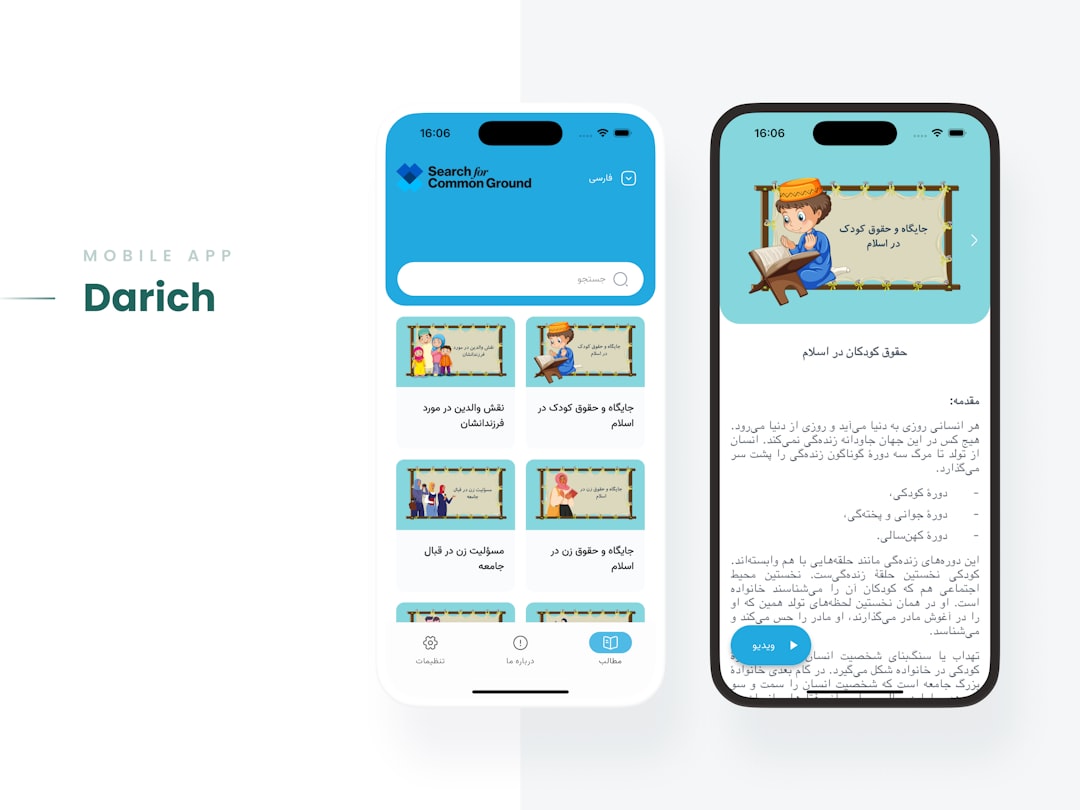
9 Best QR Code Generator Apps for Mobile Users
1. QR Code Generator by QR Tiger
This app is well known for advanced customization and business-oriented features. Users can create both static and dynamic QR codes and modify the destination URL even after printing. The app supports adding logos, changing frames, and selecting color palettes.
Best for: Businesses and marketers who need analytics and tracking.
2. The QR Code Generator by Unitag
Unitag offers highly customizable QR codes with gradient colors, unique patterns, and logo integration. It also provides dynamic QR codes and performance tracking for marketing campaigns.
Best for: Branding-focused professionals.
3. QR Code Reader & Generator by Gamma Play
This lightweight app prioritizes speed and simplicity. It allows quick QR code generation for URLs, WiFi passwords, contacts, and text. While customization is limited, it excels in straightforward functionality.
Best for: Casual users who need fast, no-frills QR codes.
4. QRbot
QRbot combines scanning and generating capabilities in one polished interface. It supports multiple QR formats, including email, SMS, calendar events, and cryptocurrency payments.
Best for: Tech-savvy users needing wide format support.
5. QR Code Generator & Scanner by QR Easy
This app offers offline QR code creation and stores QR history locally. It supports basic customization features and easy export options.
Best for: Users concerned with privacy and offline functionality.
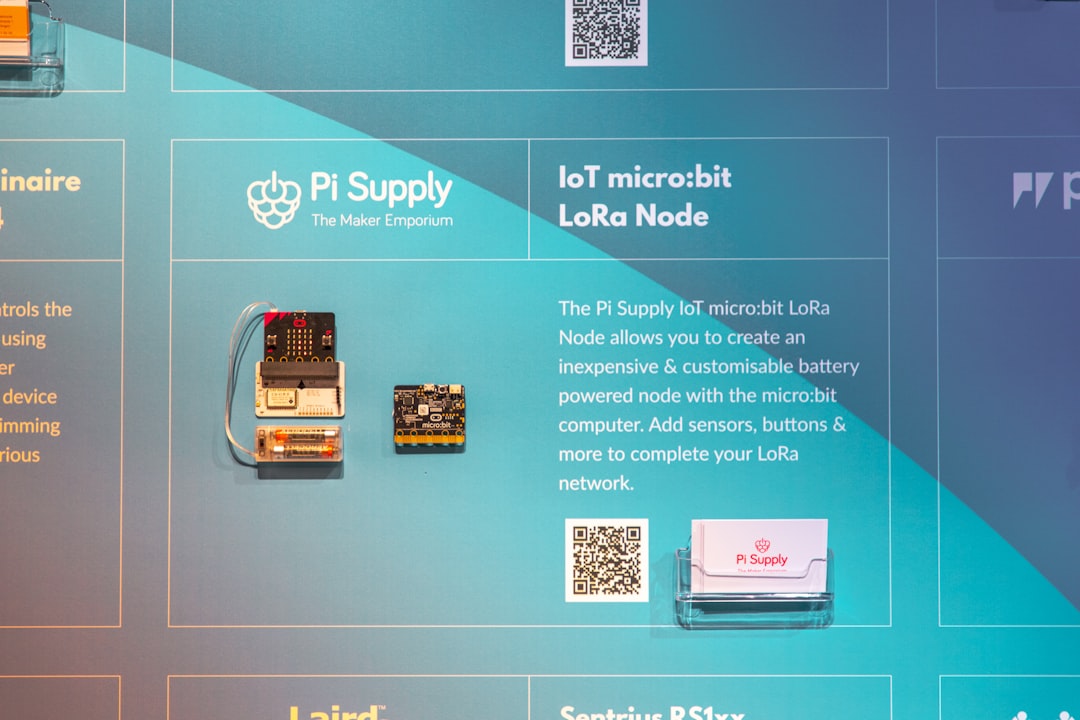
6. Beaconstac QR Code Generator
Beaconstac is targeted at enterprises and marketing teams. It provides advanced analytics, retargeting features, and bulk QR code generation. The mobile interface connects seamlessly with its broader cloud platform.
Best for: Enterprise marketing and campaign managers.
7. Shopify QR Code Generator
Designed for eCommerce use, this app enables store owners to generate QR codes that link directly to products or checkout pages. The integration with online stores makes it extremely convenient for retail businesses.
Best for: Online sellers and retail store owners.
8. QR Code Generator by Kaywa
Kaywa offers reliable QR code creation with both static and dynamic options. The app focuses on professional use, offering secure code management and campaign performance insights.
Best for: Professional marketers and mid-sized businesses.
9. Visualead QR Code Generator
Visualead stands out for its visually creative QR codes. It allows embedding images within QR codes while ensuring scannability. The artistic approach makes it ideal for visually engaging campaigns.
Best for: Creative campaigns and design-driven marketing.
Comparison Chart
| App | Dynamic QR Codes | Customization | Analytics | Best For |
|---|---|---|---|---|
| QR Tiger | Yes | Advanced | Yes | Businesses |
| Unitag | Yes | Advanced | Yes | Branding |
| Gamma Play | No | Basic | No | Casual Users |
| QRbot | Limited | Moderate | No | Tech Users |
| QR Easy | No | Basic | No | Offline Use |
| Beaconstac | Yes | Advanced | Yes | Enterprise |
| Shopify | No | Basic | Limited | Retail |
| Kaywa | Yes | Moderate | Yes | Professional Use |
| Visualead | Yes | Creative | Yes | Design Campaigns |
How to Choose the Right App
Choosing the best QR code generator app depends on individual needs. Personal users may prioritize simplicity and speed, while businesses need tracking capabilities and editable codes. Budget is also a consideration, as advanced dynamic and analytics features often come with subscription plans.
Users should also evaluate:
- Platform compatibility (Android, iOS, or both)
- Data security policies
- Export resolution and file types
- Integration with marketing platforms

Benefits of Using Mobile QR Code Generator Apps
Mobile apps offer unparalleled convenience. Instead of logging in through a desktop browser, users can generate and share QR codes instantly from their phones. This is particularly useful at events, trade shows, retail counters, or networking meetings.
Additional benefits include:
- Real-time creation and sharing
- Integrated scanning and management
- Immediate access to performance data
- Easy updates when using dynamic QR codes
As QR usage continues to expand across industries such as hospitality, retail, education, and healthcare, mobile QR generator apps have become essential digital tools.
Frequently Asked Questions (FAQ)
1. Are QR code generator apps free?
Many apps offer free versions with basic static QR code creation. Advanced features like dynamic codes, analytics, and customization typically require a paid subscription.
2. What is the difference between static and dynamic QR codes?
Static QR codes cannot be edited once generated. Dynamic QR codes allow the destination content to be changed without reprinting the code and often provide scan tracking data.
3. Are mobile-generated QR codes secure?
Security depends on the app provider. Reputable apps use secure data encryption and comply with privacy regulations. Users should review privacy policies before generating sensitive codes.
4. Can QR codes include logos and custom colors?
Yes. Many advanced apps allow users to add logos, adjust color schemes, and modify design elements while maintaining scan reliability.
5. Do QR code apps work offline?
Some apps support offline generation for static QR codes. However, dynamic features and analytics typically require an internet connection.
6. Which app is best for small businesses?
Apps offering dynamic codes and analytics, such as QR Tiger, Unitag, or Kaywa, are ideal for small businesses looking to track customer engagement.
7. Can QR codes expire?
Static QR codes do not expire. Dynamic QR codes may expire depending on the subscription plan or account status with the provider.
By selecting the right QR code generator app, mobile users can streamline communication, enhance branding, and unlock powerful marketing opportunities directly from their smartphones.