
For many creatives, Canva is a convenient starting point. It is easy to use, accessible in the browser, and packed with templates. However, as design skills grow and project demands become more sophisticated, many professionals begin to feel limited by its template-driven system and simplified controls. Designers who want full command over typography, layout precision, color management, and advanced workflows often seek more powerful alternatives.
TLDR: Canva is excellent for quick, template-based designs, but it may restrict advanced creative control. Professional designers often require deeper customization, better vector editing, color accuracy, and print-ready features. This article explores 17 Canva alternatives that provide greater flexibility, scalability, and precision. A comparison table is included to help you quickly evaluate the best option for your workflow.
Below are 17 Canva alternatives that give designers more creative freedom and professional-grade capabilities.
1. Adobe Photoshop
Photoshop remains the industry standard for raster-based design and image manipulation. It offers unmatched control over layers, blending modes, masking, and retouching.
- Advanced photo editing
- High-end compositing tools
- Extensive plugin ecosystem
Best for: Designers focused on photo manipulation, digital art, and complex raster designs.
2. Adobe Illustrator
Illustrator is ideal for vector graphics, logo design, and scalable artwork. Unlike Canva, it provides precise anchor point manipulation and professional typography control.
- Precision vector editing
- Advanced typography panel
- CMYK and print-ready workflows
3. Adobe InDesign
If your projects include multi-page documents, brochures, or magazines, InDesign offers page layout mastery that Canva cannot replicate.
- Master pages
- Professional print export settings
- Long-document management
4. Affinity Designer
A powerful vector design tool with a one-time purchase model. It combines vector and raster features within a single workspace.
- No subscription
- High-performance engine
- Professional export options
5. Affinity Photo
Often considered a strong Photoshop alternative, Affinity Photo delivers advanced retouching, PSD compatibility, and robust layer controls.
6. Affinity Publisher
For editorial designers seeking subscription-free software, Affinity Publisher offers serious page layout tools with studio link integration.
7. CorelDRAW
CorelDRAW has long been popular in print and signage industries. It delivers strong vector capabilities, layout tools, and color management systems.
8. Figma
Figma is widely adopted among UI and product designers. It operates in the cloud but offers collaborative, component-based design systems far beyond Canva’s scope.
- Real-time collaboration
- Auto layout features
- Design system management
9. Sketch
Sketch remains a Mac-focused UI design tool valued for its lightweight performance and plugin ecosystem.
10. Gravit Designer (Corel Vector)
A browser-based vector design tool that allows more precise illustration than Canva, particularly for users who prefer not to install heavy software.
11. Inkscape
Inkscape is a free, open-source vector editing program. While it may lack polish compared to premium tools, it provides deep SVG editing capabilities.
- Free and open source
- Strong vector manipulation
- Community-developed extensions
12. GIMP
GIMP is an open-source raster graphics editor that offers layered editing and custom plugins.
13. Krita
Designed with illustrators in mind, Krita excels in digital painting and brush engine customization.
14. VistaCreate
Similar to Canva but with fewer restrictions and different template aesthetics, VistaCreate can be suitable for marketers who want slightly more flexibility.
15. Pixlr
Pixlr is a lightweight, browser-based image editor offering stronger manual editing controls compared to Canva’s simplified editing tools.
16. Adobe Express
Adobe Express bridges the gap between Canva simplicity and Adobe ecosystem control, offering smoother integration with professional tools.
17. Lunacy
Lunacy is a free design tool with built-in illustrations, icons, and offline capabilities. It is particularly useful for UI and vector projects.
Comparison Chart
| Tool | Best For | Raster or Vector | Collaboration | Pricing Model |
|---|---|---|---|---|
| Adobe Photoshop | Photo editing | Raster | Limited | Subscription |
| Adobe Illustrator | Logos, vector art | Vector | Limited | Subscription |
| InDesign | Editorial layout | Layout | Limited | Subscription |
| Figma | UI UX design | Vector | Strong | Freemium |
| Sketch | UI design Mac | Vector | Moderate | Subscription |
| Affinity Suite | Professional design | Raster + Vector | Limited | One time purchase |
| CorelDRAW | Print graphics | Vector | Moderate | Subscription |
| Inkscape | Free vector editing | Vector | Limited | Free |
| GIMP | Free photo editing | Raster | Limited | Free |
| Krita | Digital painting | Raster | Limited | Free |
Key Factors When Choosing an Alternative
When evaluating Canva alternatives, designers should consider several core elements:
- Creative Control: Does the tool allow precise adjustments of paths, grids, and spacing?
- File Compatibility: Can it export print-ready PDFs, SVGs, or layered PSD files?
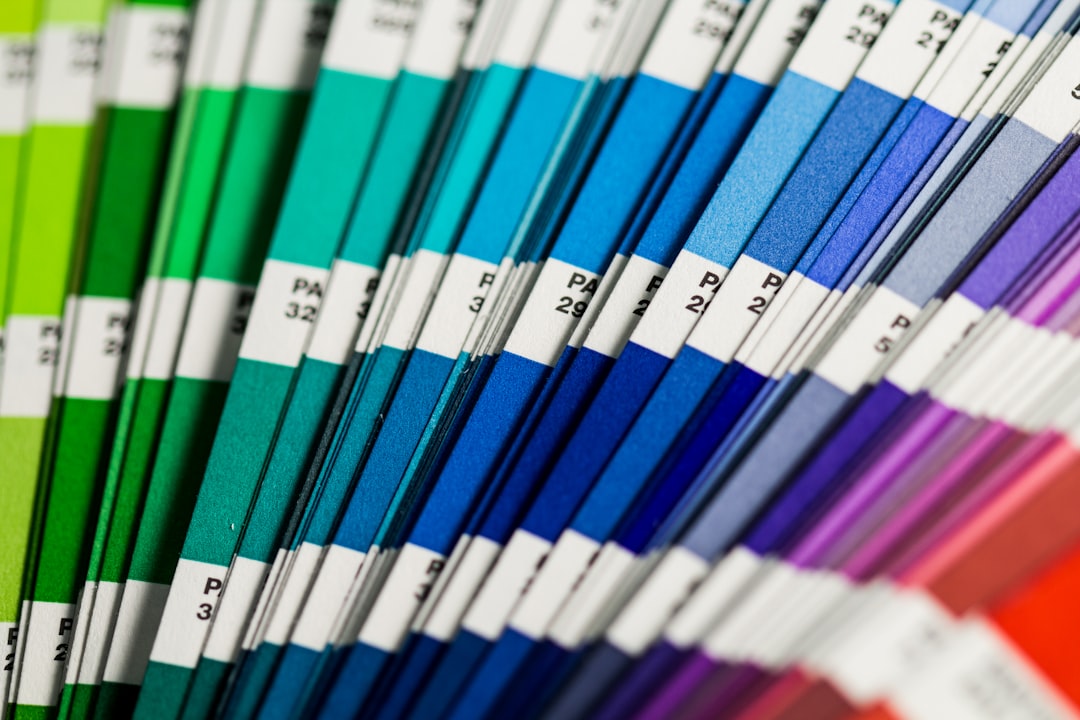
- Color Management: Are CMYK and Pantone libraries supported?
- System Performance: Will it handle large, complex documents?
- Collaboration Needs: Is real-time teamwork required?
Unlike Canva’s simplified environment, most professional tools expect a deeper understanding of design principles. However, that complexity translates into vastly superior output quality and flexibility.
Why Designers Outgrow Canva
Canva excels in speed and accessibility. Yet it operates primarily within a prebuilt template structure. Advanced designers often require:
- Full typographic hierarchy control
- Non-destructive editing workflows
- Custom grid systems
- Advanced export specifications
- Precise vector path operations
As client demands increase, especially in branding, packaging, publishing, or digital product design, Canva’s limitations become more visible. Professional environments demand scalability, consistency, and pixel-perfect accuracy.
Final Thoughts
There is nothing inherently wrong with Canva. It remains a valuable entry-level or rapid-production tool. However, for designers who prioritize creative authority, technical precision, and scalability, exploring more advanced software is essential.
The right alternative depends entirely on your discipline. Illustrators may gravitate toward Illustrator or Affinity Designer. Editorial designers will benefit from InDesign or Affinity Publisher. UI professionals typically choose Figma or Sketch. Meanwhile, budget-conscious creatives can find capable solutions in Inkscape, GIMP, and Krita.
Creative control is not merely about more features. It is about having the freedom to execute an idea without compromise. The tools listed above represent mature platforms designed to support serious, high-level design work. Choosing the right one can elevate not only your workflow—but the quality and credibility of your output.