
QR codes are everywhere. On menus. On posters. On business cards. Even on gravestones. They are small, square, and powerful. The best part? You can create them for free. In this guide, we explore 15 free and advanced QR code generators that are simple to use and packed with features.
TLDR: QR codes are easy to create and many tools offer advanced features for free. Some platforms give you custom colors, tracking, logos, and dynamic editing. This article lists 15 of the best free QR code generators and compares them in a simple chart. If you want style, analytics, or bulk creation, there is a tool here for you.
Let’s dive in.
Why Use a QR Code Generator?
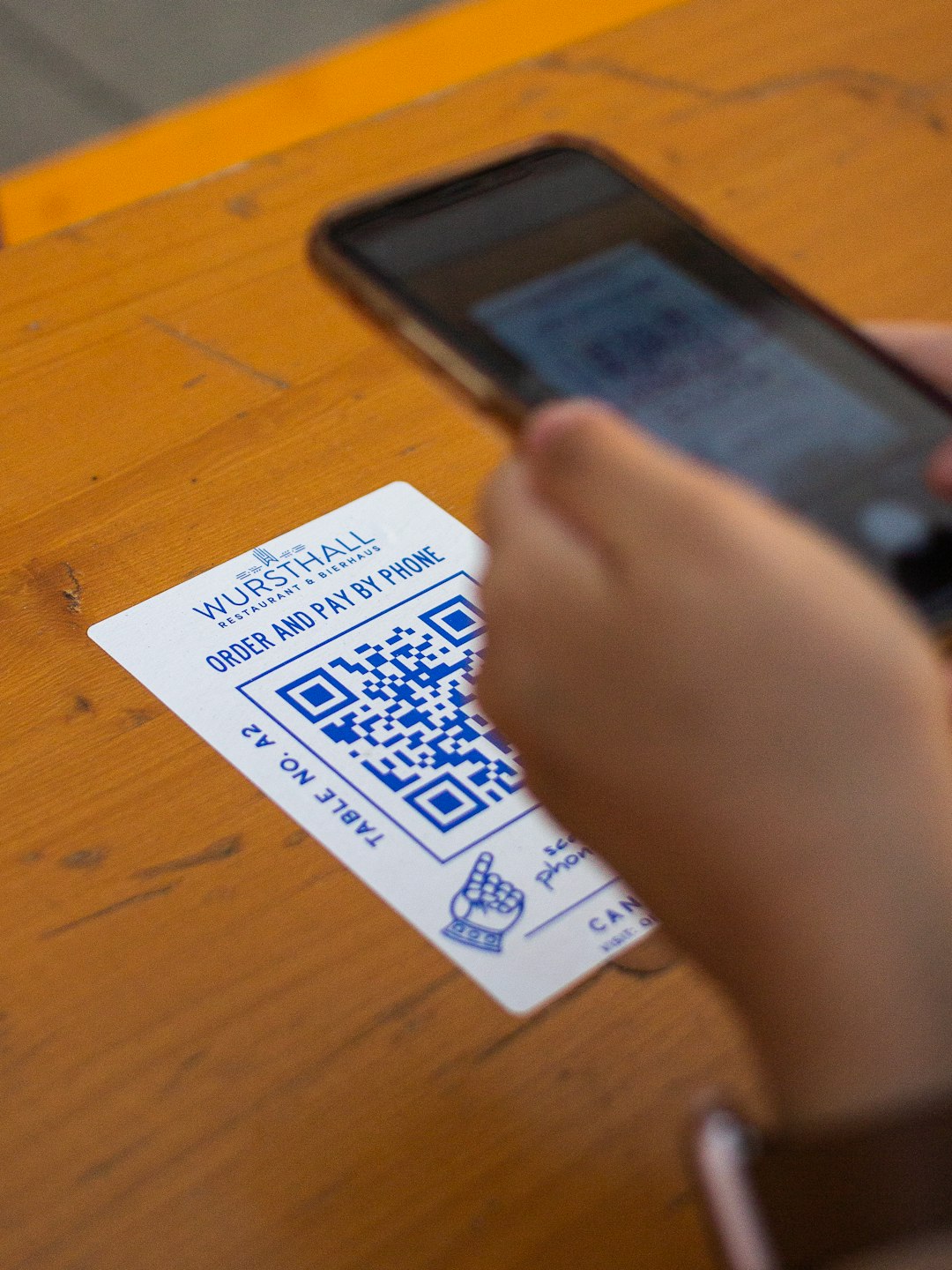
A QR code connects the offline world to the online world. It can open a website. Share contact details. Send a text message. Connect to WiFi. Or even start a payment.
Here is why people love them:
- Fast access – No typing long URLs.
- Contactless – Perfect for modern sharing.
- Trackable – Many tools show scan data.
- Customizable – Add colors, logos, and shapes.
15 Free and Advanced QR Code Generators Worth Trying
1. The QR Code Generator
Simple and beginner-friendly. Great for quick static QR codes. Offers dynamic codes with sign-up. Clean interface.
2. QR Code Monkey
One of the most popular free options. Add logos. Change colors. High-resolution downloads. Perfect for print.
3. QRStuff
Supports many data types. From PayPal to Zoom links. Free tier available. Clean downloads.
4. Beaconstac
Advanced features. Analytics and dynamic editing. Free trial included. Good for businesses.
5. The QR Code Generator by Bitly
Combine link shortening with QR creation. Track clicks and scans. Requires account for full features.
6. Unitag QR Code Generator
Very design-focused. Custom shapes and gradients. Stylish QR codes.
7. QR Tiger
Dynamic codes for free with limited scans. Detailed tracking dashboard. Modern interface.
8. GOQR.me
Fast and no sign-up needed. Great for quick basic codes. Not many custom options.
9. Visualead
Create artistic QR codes. Integrate images into the code. Eye-catching designs.
10. Delivr
Marketing-friendly. Campaign tracking included. Free basic plan available.
11. Kaywa
Reliable and simple. Dynamic features with paid plans. Free static QR creation.
12. Shopify QR Code Generator
No account needed. Totally free. Best for URLs and product pages.
13. QR Code Chimp
Fun name. Powerful features. Add logos, shapes, and social links. Great for digital business cards.
14. Flowcode
Modern and sleek. Scan analytics included. Popular with creators and influencers.
15. uQR.me
Focuses on dynamic QR campaigns. Free trial available. Deep tracking tools.
Comparison Chart
| Tool | Free Plan | Dynamic Codes | Customization | Analytics |
|---|---|---|---|---|
| QR Code Monkey | Yes | No | High | No |
| QR Tiger | Limited | Yes | Medium | Yes |
| Beaconstac | Trial | Yes | Medium | Yes |
| GOQR.me | Yes | No | Low | No |
| Flowcode | Yes | Yes | Medium | Yes |
| QR Code Chimp | Yes | Yes | High | Yes |
| Unitag | Yes | Limited | High | Limited |
Static vs Dynamic QR Codes
This part is important.
Static QR codes cannot be edited after creation. They are permanent. They are perfect for simple needs.
Dynamic QR codes can be edited anytime. You can change the destination link. You can track scans. You can see location data.
Businesses often choose dynamic. Personal users often choose static.
Features to Look For
Not all generators are equal. Here is what to check before choosing:
- Customization: Can you change colors and shapes?
- Logo upload: Can you brand it?
- Download quality: Is high-resolution available?
- Analytics: Do you see scan data?
- Bulk creation: Can you create many codes at once?
Tips for Designing a Great QR Code
Design matters. A boring black-and-white code works. But a branded one performs better.
Here are simple tips:
- Use high contrast. Dark code on light background.
- Do not overcrowd the design.
- Test before printing.
- Make it big enough to scan easily.
- Add a short call to action like “Scan Me”.
Best Use Cases
Still wondering how to use one? Here are ideas:
- Restaurants: Digital menus.
- Business cards: Instant contact save.
- Events: Ticket validation.
- Retail: Product details and discounts.
- Education: Share class resources.
- Real estate: Property listings.
Which One Should You Choose?
If you want something quick and easy, try GOQR.me or Shopify’s generator.
If you want strong design tools, choose QR Code Monkey or Unitag.
If you need tracking and marketing tools, go for QR Tiger, Flowcode, or Beaconstac.
If you run campaigns regularly, consider a platform with dynamic editing.
Final Thoughts
QR codes are simple. But powerful.
The tools listed above give you everything you need. Some focus on design. Some focus on analytics. Some do both.
The best part? You can start for free.
Try a few. Test them. Scan them from different devices. See which one feels right.
In just a few minutes, you can build a smart bridge between your offline and online world.
That’s the magic of a tiny square.