


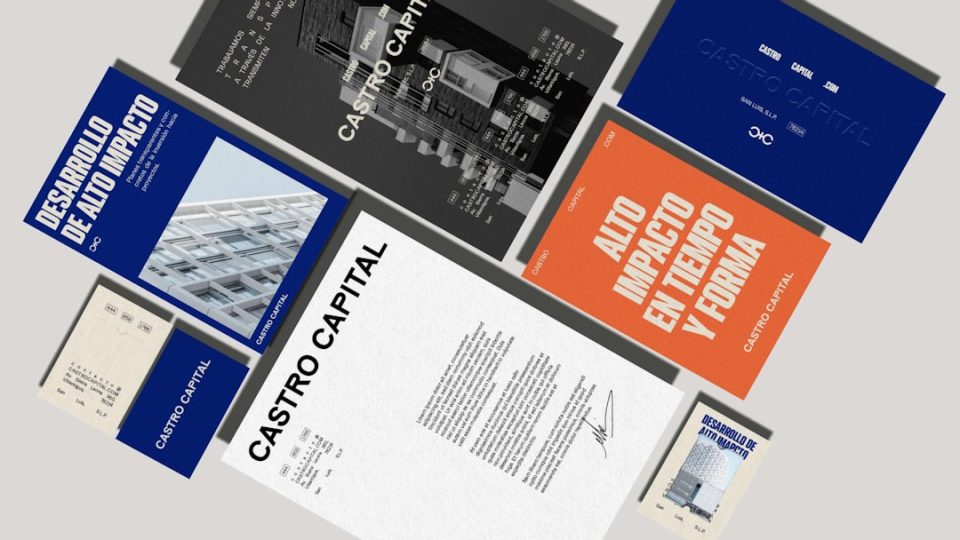
Imagine this—you’ve just launched your startup or personal brand, and someone asks: “Got a card?” You freeze. No logo. No colors. No cool fonts. But wait! AI is here to save the day and make you a stunner in seconds. Let’s dive into the world of AI business card generators, where pro-looking designs come together in just a few clicks.
TL;DR
AI business card generators help you design eye-catching cards in minutes. They use artificial intelligence to suggest layouts, logos, and styles that match your brand. Many are free or low cost. Great for solopreneurs, startups, and anyone wanting to look pro without hiring a designer.
Why Use an AI Business Card Generator?
It’s fast, fun, and totally beginner-friendly. You don’t need a designer. You don’t even need design skills. AI does the heavy lifting for you. Whether you’re a freelancer, artist, or business owner, having a business card ready is a game-changer. And the results? Often super sleek and stunning.
Main Perks of These Tools
- Speed: Get a full design done in minutes.
- Personalization: Matches your style and your business vibe.
- Ease: Drag, drop, tweak. That’s all.
- Cost-effective: Many tools offer beautiful free options.
Top AI Business Card Generators You Need to Try
1. Canva with Magic Design
Best for: Users who want full control AND AI help
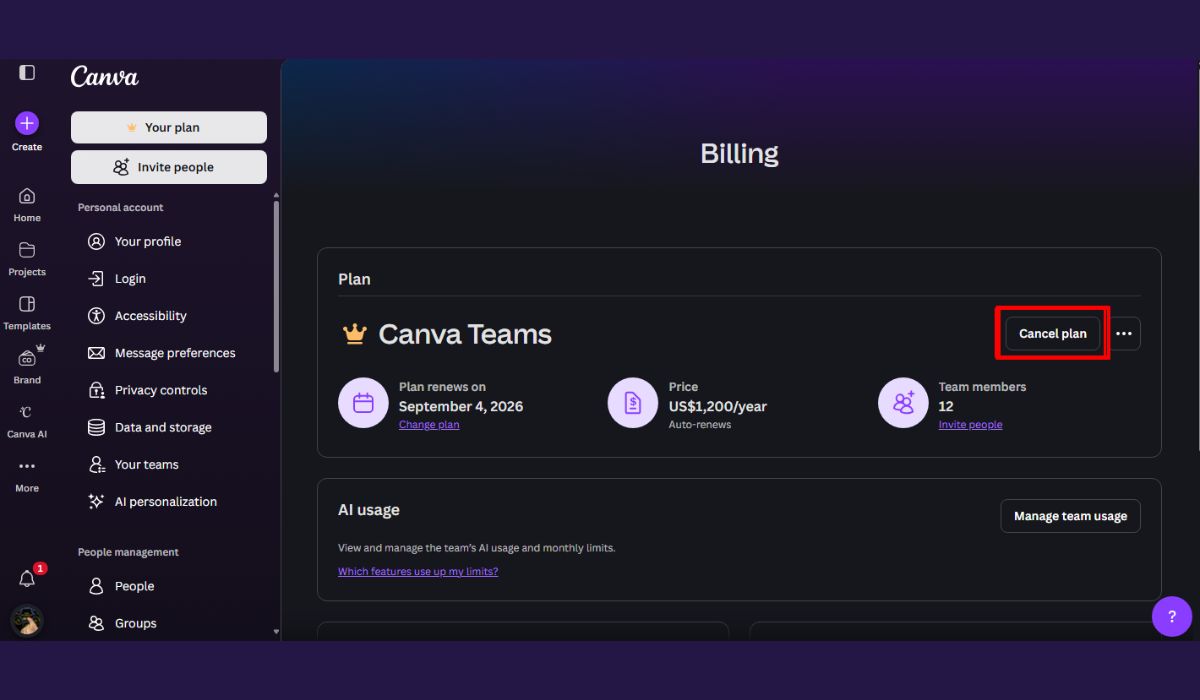
Canva’s known for its simple drag-and-drop interface, but now it’s gotten smarter. With Magic Design, Canva uses AI to suggest whole card layouts based on your brief or uploaded media. It can match your brand colors, suggest font pairings, and even help place your logo.
You can also upload a photo or logo, and boom—design suggestions land in seconds.

Cool Features:
- AI-driven layout suggestions
- Brand kit support
- Tons of icon and font choices
2. Looka
Best for: New businesses that need branding from scratch
This tool goes beyond cards. Looka helps you build a brand, and business cards come with the package. You answer a few questions, and Looka suggests logos, themes, and—you guessed it—cards that fit your look perfectly.
Once the logo’s done, business cards are auto-designed around it. Smart, right?
Cool Features:
- Logo + business card bundle
- Instant visual previews
- Unlimited changes before downloading
3. Designs.ai – Business Card Maker
Best for: Entrepreneurs who want a fast turnaround
Designs.ai uses AI to pick your style and design automatically. You type in your company name and choice of industry. Then, it generates sleek and businessy card options that actually look good. You can tweak colors, fonts, and layout before downloading.

Cool Features:
- Simple three-step card creation
- Professional-grade designs
- Multiple file format downloads
4. HiHello
Best for: Digital-first professionals and networkers
This one’s a bit different. HiHello focuses on digital business cards. If you want to share your info with a QR code or online link, this tool is gold. But the twist? Its AI helps you fill in relevant info so your digital card looks polished and interactive.
You can also sync it with LinkedIn, calendars, and CRMs. Handy!
Cool Features:
- QR code and link sharing
- Multiple card versions for different roles
- Smart fills for contact details
5. Tailor Brands
Best for: Total beginners in business branding
You tell the AI about your biz, your style, and what you want to say. Tailor Brands spits out your logo, colors, and yes—a business card you’ll be proud to show. It’s super guided, perfect for those who don’t know where to start.
Cool Features:
- All-in-one brand creation, including cards
- Auto-matching typography and icons
- Editable even after downloading
What to Look for in a Great AI Card Generator?
Not every tool will suit every need. So, before you pick one, keep these things in mind:
- Customization: Does it allow you to tweak color, font, and layout?
- Brand matching: Can it sync with your logo or brand kit?
- Ease of use: Can you use it without a tutorial?
- Export options: Will it give you print-ready files?
- Extras: Does it include QR codes, social icons, or templates?
Tips for Making Your Card Stand Out
Even with AI doing the heavy lifting, your creative touch makes the difference. Use these tips to stand out:
- Use your brand colors: Keep it consistent with your website or socials.
- Keep it minimal: Don’t cram too much info. Your name, title, contact, and logo are enough.
- Choose high-quality fonts: It’s what people see first.
- Go digital too: Have a QR code linking to your website or socials.


Final Thoughts
Gone are the days of boring, plain cards or waiting weeks for a designer. AI brings bold, beautiful branding into your hands in just minutes. Whether you want minimalist, colorful, elegant, or techy—there’s a tool for you.
So go ahead, build that brand, and slip that shiny new card into the world. You’ll look like a pro in no time.
Now it’s your turn:
Try out one of the tools above and let your card do the talking.
Your brand deserves to be unforgettable. Start with a card that people will remember.