


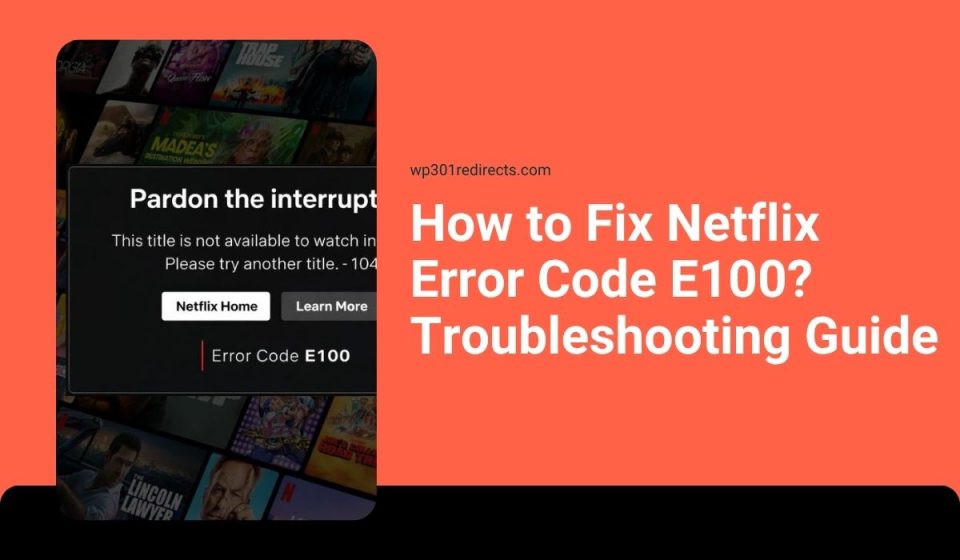
You open Netflix, press play, and error code E100 appears. It stops your movie or show from loading.
When this happens, it usually means a playback or device issue, but sometimes your internet connection plays a role too. This guide explains what the error means, why it happens, how to fix it step by step, and how to avoid it later.
What Is Netflix Error Code E100?
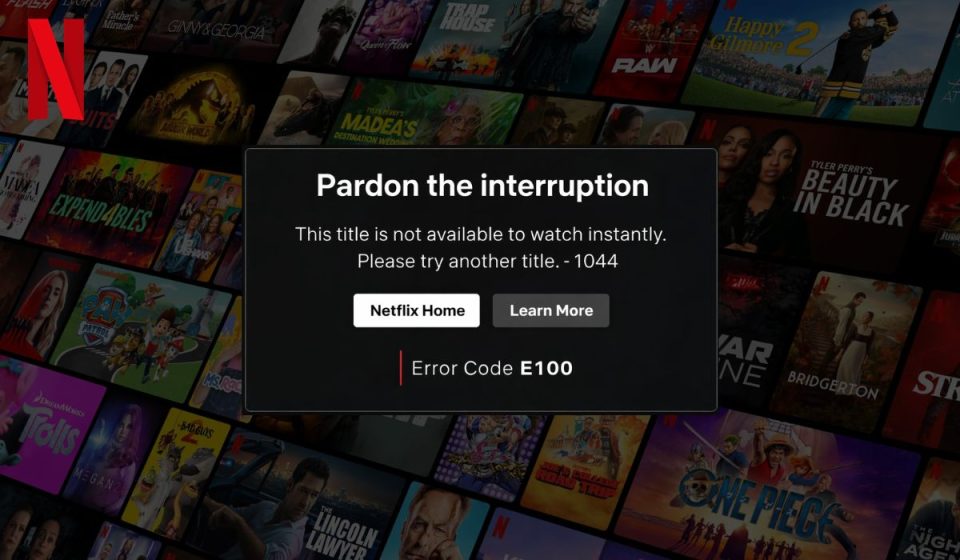
Error code E100 is a playback and device-related error. It appears when Netflix cannot load or play content properly on your device. When you try to stream a video, the app sends a request to Netflix servers, but something interrupts the process. This can happen because of corrupted app data, outdated software, or unstable network conditions.
The streaming system depends on smooth communication between your device, your internet connection, and the content delivery network, so even small issues like cache errors or buffering delays can trigger this problem.
You usually see this error on a Smart TV, mobile app, or streaming device while starting playback. It may show up when loading a movie or switching episodes. The message looks simple, but it points to a deeper issue with playback or app performance.
Common Causes of Netflix Error Code E100
This error can happen for several reasons depending on your device and network setup.
- Corrupted app cache in Netflix
- Outdated app or device software
- Weak or unstable internet connection
- Incorrect DNS settings affecting streaming
- VPN or proxy interfering with playback
- Device compatibility issues
- Temporary server issues from Netflix Inc.
How to Fix Netflix Error Code E100?
To resolve this issue efficiently, you need to check your app, device, and network settings. However, most fixes are simple and take only a few minutes.
Fix #1: Restart Your Device
This error often appears due to temporary glitches. Restarting your device clears memory and refreshes the app environment.
Try these simple steps to quickly restart your device.
- Turn off your device completely
- Wait for a few seconds
- Turn it back on
- Open Netflix again
- Try playing content
Fix #2: Restart Netflix App
Sometimes the app itself gets stuck. Closing and reopening Netflix resets the playback process and clears temporary bugs. This simple step often fixes minor issues without needing deeper troubleshooting.
Fix #3: Check Internet Connection
Streaming requires a stable internet connection. If your connection is slow or unstable, videos may fail to load. Check your Wi-Fi or mobile data and make sure your connection is strong enough for streaming. Even small interruptions can cause playback errors.
Fix #4: Clear App Cache
Corrupted cache data can stop Netflix from loading properly. Clearing cache removes temporary files that may be causing the issue.
Follow the steps below to easily clear app cache.
- Open device settings
- Go to apps or applications
- Select Netflix
- Tap storage
- Click clear cache
Fix #5: Update Netflix App
An outdated app may not work properly with current servers. Updating Netflix ensures compatibility and fixes bugs. Always keep your app updated to avoid playback problems.
Fix #6: Restart Your Router
Network issues can cause buffering and playback errors. Restarting your router refreshes your internet connection and clears small issues like latency or packet loss. This helps improve streaming performance.
Fix #7: Disable VPN or Proxy
VPN services can interfere with Netflix streaming. They may redirect your connection or block content access. Turning off VPN helps your device connect directly to the correct servers, which often resolves playback errors.
Fix #8: Reinstall Netflix App
If the problem continues, reinstalling the app can help. This removes corrupted files and installs a fresh version of Netflix. It is a reliable way to fix deeper issues that simple steps cannot solve.
Is Netflix Error Code E100 a Device or Network Issue?
In most cases, this error is related to your device or app. Problems like corrupted cache, outdated software, or app glitches can stop playback. These issues are common and usually easy to fix with basic steps.
However, sometimes the issue comes from your network. A weak connection, DNS problem, or VPN interference can also trigger the error. That’s why it is important to check both your device and your internet when troubleshooting.
Prevention Tips to Avoid Netflix Error Code E100
Taking a few simple steps can help you avoid this error in the future.
- Keep Netflix app updated
- Use a stable internet connection
- Restart your device regularly
- Avoid VPN while streaming
- Clear app cache occasionally
- Update device software
- Monitor your network performance
Conclusion
Error code E100 is mainly a playback issue that happens when Netflix cannot load content properly. It is often caused by app problems, network issues, or outdated software, and it can appear on different devices during streaming.
Try each fix step by step and see what works for you. If the issue continues, contact Netflix Inc. support for help. If this guide helped you, share it or leave a comment so others can fix the same problem faster.