


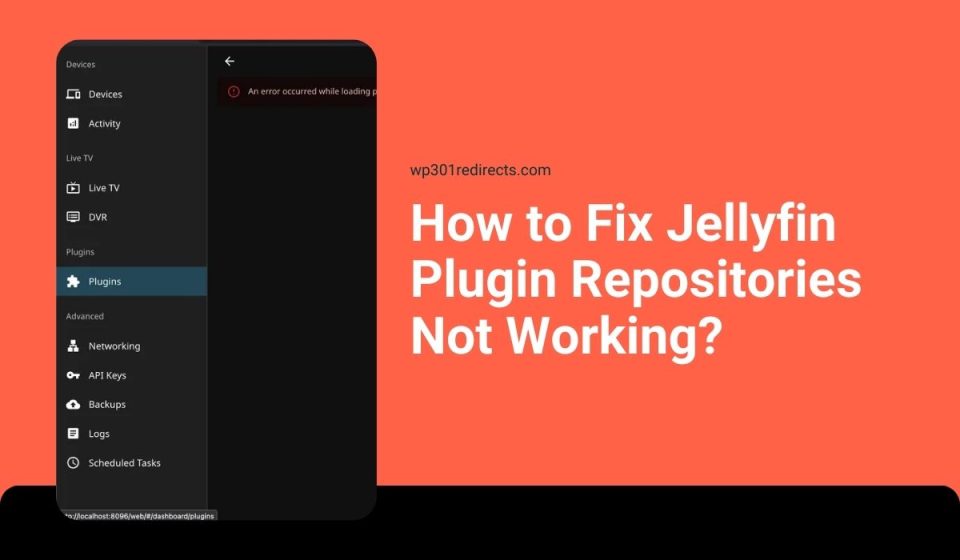
When Jellyfin plugin repositories stop working, it can be confusing. You open the dashboard, go to plugins, and the list is empty. Or a repository URL fails to load. This is frustrating, especially when plugins are a big part of how Jellyfin works.
This guide explains what the problem usually means and what you can try without breaking your server.
What Is Jellyfin Plugin Repositories Not Working?
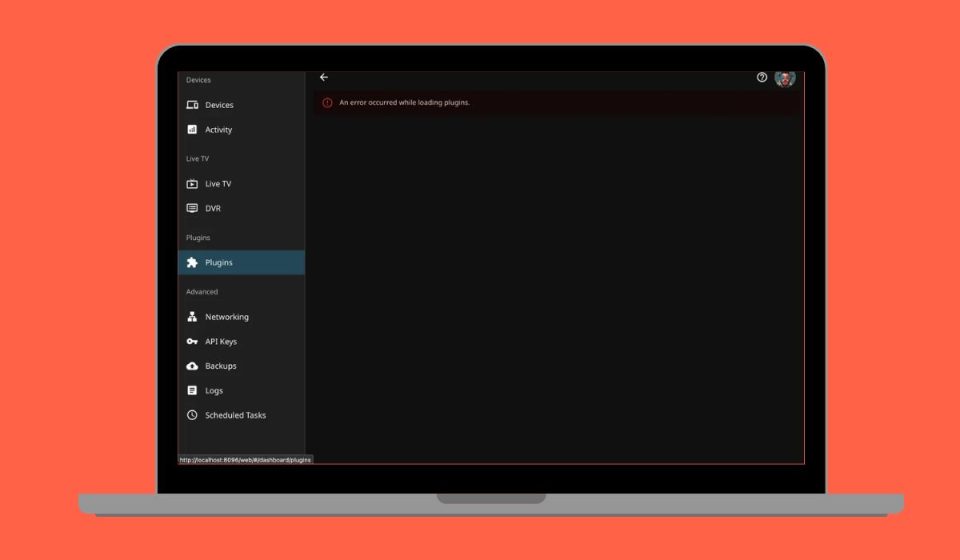
Jellyfin uses plugin repositories to fetch plugins from remote servers. When repositories are not working, the plugin catalog may not load, repositories may fail to add, or plugins may not appear even after a repository is added. In most cases, Jellyfin itself runs fine, but plugin management stops working.
Users usually notice this issue in the admin dashboard. The plugin catalog stays empty, repository URLs show errors, or plugin updates stop appearing. Restarting the browser alone usually does not fix it.
Common Causes of Jellyfin Plugin Repositories Not Working
This issue can happen for several reasons, depending on server setup, network access, or repository status.
- Incorrect or outdated plugin repository URL
- Repository server offline or no longer maintained
- SSL or HTTPS connection issues
- Network or DNS resolution failure
- Jellyfin version incompatibility
- Docker networking restrictions
- Plugin catalog cache not refreshing
How to Fix Jellyfin Plugin Repositories Not Working?
In most cases, the problem comes from configuration, network access, or repository availability. Try the fixes below one by one and wait a bit between steps.
Fix #1: Verify the Plugin Repository URL
Plugin repositories rely on exact URLs. Even a small typo can stop Jellyfin from loading the repository.
Follow the steps below to check the URL:
- Open the Jellyfin admin dashboard
- Go to Plugins
- Open the Repositories section
- Review the repository URL carefully
- Compare it with the official source
- Save changes and refresh
If the URL is correct, the repository should load again.
Fix #2: Refresh the Plugin Catalog
Jellyfin stores plugin data in a cache. When this cache becomes stale, repositories may appear empty.
Here are the following steps which help refresh it:
- Go to the Plugins section
- Click to refresh the plugin catalog
- Wait for the process to complete
- Reload the dashboard page
- Check the plugin list again
This often restores missing plugins.
Fix #3: Check Jellyfin Server Version Compatibility
Some plugin repositories only support certain Jellyfin versions. If your server is outdated or too new, repositories may fail.
Check your Jellyfin version and compare it with the repository requirements. If they do not match, updating Jellyfin or using a compatible repository may be necessary.
Fix #4: Test Network and DNS Connectivity
Jellyfin must reach external servers to load plugin repositories. Network issues can block this silently.
Check these points:
- Server has internet access
- DNS resolves external domains
- No firewall blocking outbound traffic
- Docker container has network access
If the server cannot reach the internet, repositories will not load.
Fix #5: Check SSL and HTTPS Errors
Most repositories use HTTPS. If the server cannot verify SSL certificates, connections may fail.
Look for SSL or certificate errors in Jellyfin logs. Fixing system time, updating certificates, or correcting HTTPS settings can restore access.
Fix #6: Restart Jellyfin Server or Container
Configuration changes do not always apply immediately. Restarting reloads repository settings.
Try these steps:
- Stop the Jellyfin server
- Wait a few seconds
- Start the server again
- Open the admin dashboard
- Check plugin repositories
This often fixes temporary loading issues.
Fix #7: Install Plugins Manually as a Fallback
If a repository is offline or deprecated, manual installation may be the only option.
Download the plugin files from a trusted source and install them manually following Jellyfin documentation. This avoids relying on broken repositories.
Prevention Tips to Avoid Plugin Repository Issues
A few habits can reduce plugin problems later.
- Keep Jellyfin updated
- Use trusted plugin repositories
- Avoid outdated repository URLs
- Restart the server after changes
- Maintain stable DNS settings
- Monitor community repo status
- Follow Jellyfin documentation
Conclusion
Overall, when Jellyfin plugin repositories are not working, the cause is usually related to URLs, network access, version compatibility, or repository availability. These issues feel sudden, but many are fixable with calm checks.
Try each fix carefully and stop if something feels risky. If this guide helped you, share it with other Jellyfin users and leave a comment about which fix worked for you.