


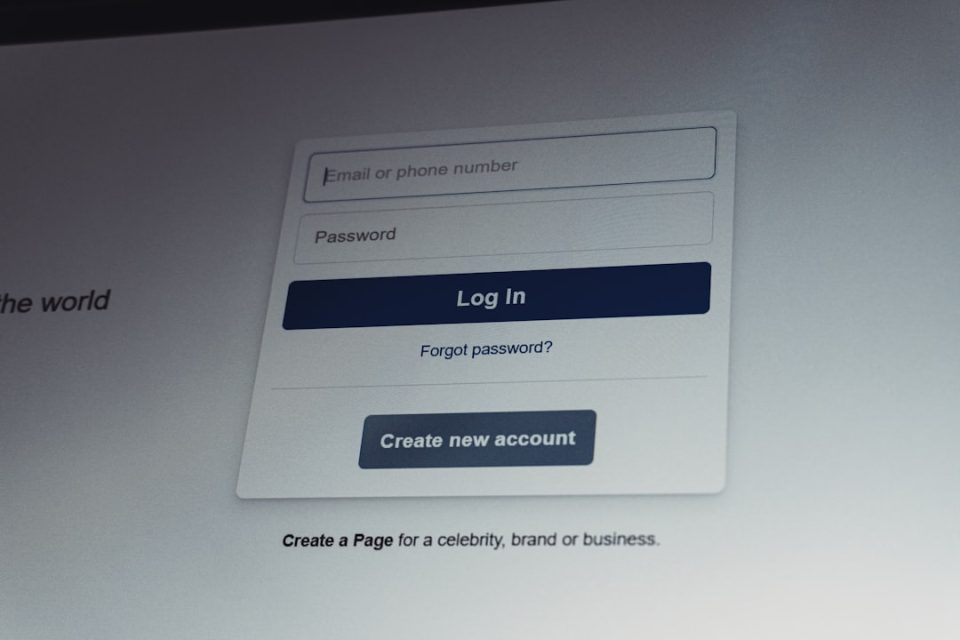
Locked out of your Preply account? Breathe. It happens to the best of us. Maybe you forgot your password. Maybe the page keeps refreshing. Or maybe Preply just refuses to load. The good news? Most login problems are easy to fix. You just need the right steps.
TLDR: If you can’t log in to Preply, start by checking your internet and resetting your password. Then clear your browser cache or try a different browser or device. Make sure your account isn’t blocked and that you’re using the correct login method. If nothing works, contact Preply Support. Most issues are solved in under 10 minutes.
Why You Might Not Be Able to Log In
Before jumping into fixes, let’s look at common reasons:
- You entered the wrong email or password.
- Your browser saved an old password.
- Your internet connection is unstable.
- Preply’s site is temporarily down.
- Your account was suspended or blocked.
- You signed up with Google or Facebook but are trying the wrong method.
The trick is to test one solution at a time. Don’t try everything at once. Stay calm. Let’s go.
1. Double-Check Your Email and Password
This sounds simple. But it fixes a lot of problems.
Make sure:
- Caps Lock is off.
- There are no extra spaces before or after your email.
- You are using the correct email address.
- Your keyboard language is correct.
Pro tip: Type your password in a text file first. Make sure it looks right. Then copy and paste it into Preply.
If you forgot your password, click “Forgot password?” on the login screen. Enter your email. Follow the reset link sent to your inbox.
If you don’t see the email:
- Check your spam or junk folder.
- Wait a few minutes.
- Double-check that you entered the correct email.

2. Reset Your Password (The Right Way)
Sometimes the reset link expires. Or you accidentally open an old one.
Here’s how to reset it the smart way:
- Go to the official Preply website.
- Click “Log In.”
- Select “Forgot password?”
- Enter your email once.
- Use the newest reset email you receive.
Create a strong password. But don’t make it impossible to remember.
Good password tips:
- At least 8 characters.
- Include one capital letter.
- Add a number.
- Use a symbol like ! or ?
Example format: Study2026!
Simple. Secure. Done.
3. Clear Your Browser Cache and Cookies
Your browser stores small files called cache and cookies. They help websites load faster. But sometimes they cause problems.
If Preply won’t load or the login page keeps refreshing, this is a strong fix.
How to clear cache in most browsers:
- Go to browser Settings.
- Find Privacy or History.
- Select “Clear browsing data.”
- Choose Cookies and Cached images.
- Confirm.
Close the browser completely. Open it again. Then try logging in.
Shortcut tip: Press Ctrl + Shift + Delete (Windows) or Command + Shift + Delete (Mac). This opens the clear data window fast.
4. Try a Different Browser or Device
If clearing cache didn’t help, switch tools.
Try logging in using:
- A different browser (Chrome, Safari, Firefox, Edge).
- Your phone instead of your laptop.
- The Preply mobile app.
Sometimes browser extensions block login scripts. Ad blockers are common troublemakers.
Quick test:
- Open an incognito or private window.
- Go to Preply.
- Try logging in there.
If it works, the issue is likely an extension.

5. Check Your Internet Connection
Slow internet = login problems.
If Preply keeps loading forever, your connection might be unstable.
Try this:
- Open another website. Does it load?
- Restart your Wi-Fi router.
- Switch from Wi-Fi to mobile data.
- Move closer to the router.
Public Wi-Fi networks can block certain websites. If you’re at school, work, or a café, that might be the issue.
Also check if Preply is down globally. Use a site like a status checker service. If the platform is down, you just need to wait.
It’s rare. But it happens.
6. Make Sure You’re Using the Correct Login Method
This one surprises many users.
Did you sign up with:
- Google?
- Facebook?
- Apple?
- Email and password?
If you created your account using Google, you must click “Continue with Google.”
You cannot log in by typing a password unless you created one separately.
If you’re not sure, try each login method carefully. But do not create a new account by accident.
Important: Using multiple accounts can cause confusion with bookings and payments.
What If Your Account Is Suspended?
If you see a message about suspension or blocked access, don’t panic.
This can happen if:
- There were payment issues.
- You violated terms of service.
- There was unusual activity.
In this case, contact Preply Support immediately.
Include:
- Your full name.
- Your account email.
- A screenshot of the error message.
- A short explanation.
The clearer you are, the faster they can help.
Comparison Chart: 6 Fixes at a Glance
| Fix | Time Needed | Difficulty | Best For |
|---|---|---|---|
| Check Email & Password | 1–2 minutes | Very Easy | Password errors |
| Reset Password | 3–5 minutes | Easy | Forgotten password |
| Clear Cache & Cookies | 5 minutes | Easy | Page reload issues |
| Switch Browser or Device | 3 minutes | Very Easy | Browser conflicts |
| Check Internet | 5–10 minutes | Easy | Slow loading pages |
| Contact Support | Varies | Simple | Suspended accounts |
Bonus Tips to Avoid Login Problems in the Future
Prevention is easier than fixing problems.
Here’s how to stay safe:
- Use a password manager.
- Write down your login method.
- Keep your browser updated.
- Enable two-factor authentication if available.
- Log out properly on shared devices.
Small habits. Big difference.
When to Contact Preply Support
If you tried all six fixes and still can’t log in, reach out to support.
Contact them if:
- You don’t receive password reset emails.
- Your account appears deleted.
- You suspect hacking.
- You see repeated error codes.
Be patient. Response times can vary. But most login issues are resolved quickly.
Final Thoughts
Getting locked out of Preply is frustrating. Especially if you have a lesson soon. But don’t panic. Most login problems are small technical hiccups.
Start simple. Check your password. Reset it if needed. Clear your cache. Switch devices. Verify your internet. Confirm your login method.
One of these steps almost always works.
And once you’re back in? Maybe schedule that next lesson right away. Just in case.
You’ve got this.