
Work no longer lives inside an office. It moves. It travels in pockets and backpacks. Smartphones have become tiny command centers for sales teams, remote staff, field technicians, and executives. But with this power comes serious risk. Lost phones. Weak passwords. Unsafe Wi-Fi. One small mistake can open the door to a major data breach.
TLDR: Mobile workforces need strong security. Smartphone Device Management tools help companies control, protect, and monitor devices from anywhere. Three powerful options are Microsoft Intune, VMware Workspace ONE, and IBM MaaS360. These tools keep company data safe while allowing employees to work freely and securely.
Let’s break it down. Simple. Clear. Practical.
Why Smartphone Management Matters
Imagine this.
An employee loses their company phone at an airport. The phone has client emails. Contracts. Login details. Without protection, that lost device becomes a goldmine for cybercriminals.
Now imagine you can:
- Lock the phone instantly
- Erase company data remotely
- Track where the device was last used
- Block access to company apps
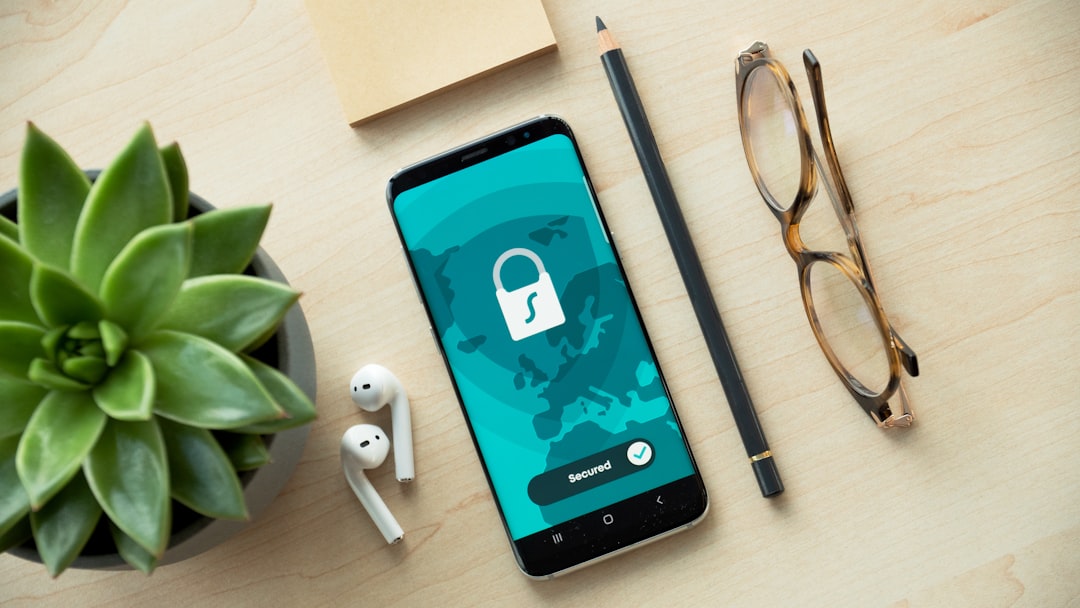
That is the power of Smartphone Device Management.
These platforms are often called MDM (Mobile Device Management) or UEM (Unified Endpoint Management) tools. They give IT teams visibility and control over smartphones, tablets, and sometimes even laptops.
Here’s what good device management tools usually offer:
- Remote wipe for lost or stolen devices
- App management to control what can be installed
- Data encryption enforcement
- Password policy control
- Device tracking
- Security updates management
Now let’s explore three of the best tools available today.
1. Microsoft Intune
Best for companies already using Microsoft products.
Microsoft Intune is a cloud-based device management solution. It works seamlessly with Microsoft 365. If your team uses Outlook, Teams, or SharePoint, Intune fits right in.
What Makes Intune Powerful?
- Cloud-based management – No complex on-site servers needed.
- App protection policies – Protect company data inside apps.
- Conditional access – Allow access only if the device is secure.
- Remote wipe – Remove company data without touching personal photos or apps.
That last point is important.
Many employees use personal phones for work. This is called BYOD (Bring Your Own Device). Intune allows IT teams to separate work data from personal data. So when someone leaves the company, only business information is removed.
Security Features
Intune lets you create rules like:
- Minimum password length
- Required fingerprint or facial recognition
- Automatic device encryption
- Blocked access on jailbroken or rooted phones
If a device fails these rules, access is denied. No exceptions.
Why Companies Love It
It integrates beautifully with:
- Azure Active Directory
- Microsoft Defender
- Office 365 apps
This creates a strong security ecosystem.
Simple dashboard. Strong automation. Reliable protection.
For Microsoft-heavy businesses, Intune is a natural choice.
2. VMware Workspace ONE
Best for enterprises needing advanced control and flexibility.
VMware Workspace ONE goes beyond basic MDM. It provides Unified Endpoint Management, meaning it secures smartphones, tablets, laptops, desktops, and even rugged devices used in warehouses or field services.
It’s built for scale.
Whether you manage 50 devices or 50,000, Workspace ONE can handle it.
Key Features
- Real-time analytics to detect risky behavior
- Zero Trust security framework
- Single sign-on (SSO) for easy app access
- Automated compliance enforcement
Let’s simplify that.
Zero Trust means no device or user is trusted automatically. Everything must prove it is secure before gaining access.
This reduces insider threats. It also limits damage if credentials are stolen.
Smart Automation
Workspace ONE can automatically:
- Quarantine suspicious devices
- Send alerts to IT teams
- Block risky applications
- Push security updates
This saves time. And reduces human error.
Ideal For
- Large enterprises
- Healthcare organizations
- Financial institutions
- Government agencies
Industries with strict compliance rules benefit greatly.
Workspace ONE is powerful. Deep. Customizable. It may require more setup than simpler tools, but the control it offers is impressive.
3. IBM MaaS360
Best for AI-driven security insights and simple deployment.
IBM MaaS360 combines strong device management with artificial intelligence. It uses IBM’s Watson AI to analyze risk and provide recommendations.
Think of it as smart security guidance.
Standout Features
- AI-powered threat detection
- Containerization to separate work and personal data
- Remote lock and wipe
- Secure email and document sharing
The AI component helps IT teams:
- Identify risky user behavior
- Spot malware threats
- Analyze device vulnerabilities
- Receive clear action steps
This is helpful for smaller IT teams. You don’t need a huge security department to understand what’s happening.
Simple Deployment
MaaS360 offers:
- Rapid cloud setup
- Easy onboarding for employees
- Clear management dashboards
Employees can enroll devices quickly. IT teams gain instant visibility.
Compliance Support
MaaS360 helps companies meet regulations like:
- GDPR
- HIPAA
- Industry-specific security standards
This makes it attractive to healthcare and international organizations.
How to Choose the Right Tool
All three tools are strong. The best choice depends on your needs.
Choose Microsoft Intune if:
- You already use Microsoft 365
- You want tight integration with Office apps
- You prefer a clean, cloud-based system
Choose VMware Workspace ONE if:
- You manage large enterprise environments
- You need deep customization
- You require strict compliance controls
Choose IBM MaaS360 if:
- You want AI-driven insights
- You prefer quick deployment
- Your IT team is small but needs strong protection
Ask yourself:
- How many devices do we manage?
- Are they company-owned or employee-owned?
- What compliance regulations apply?
- How large is our IT team?
Answering these questions will point you in the right direction.
Best Practices for Securing Mobile Workforces
Even the best tool needs smart policies.
Here are essential practices:
- Enforce strong passwords
- Require biometric authentication
- Enable automatic locking
- Encrypt all company data
- Update devices regularly
- Train employees on phishing risks
Technology alone is not enough. People matter.
Short training sessions can prevent major breaches.
The Future of Smartphone Device Management
Mobile work is growing fast. Remote teams are now normal. Hybrid offices are common. Field employees rely on apps every hour of the day.
Security tools are evolving too.
We are seeing:
- More AI-driven threat detection
- Stronger Zero Trust frameworks
- Biometric-first authentication
- Automated compliance reporting
The goal is simple.
Maximum security. Minimum friction.
Employees should work smoothly. Customers should feel safe. Companies should avoid sleepless nights.
Final Thoughts
Smartphones are powerful business tools. But they are also vulnerable entry points.
Without proper management, one lost device can cause serious damage.
Microsoft Intune offers tight Microsoft integration and cloud simplicity.
VMware Workspace ONE provides enterprise-grade control and automation.
IBM MaaS360 delivers AI-enhanced protection and easy deployment.
Each tool strengthens security. Each empowers mobile teams.
The modern workforce is mobile. Your security strategy must be too.
Protect the device. Protect the data. Protect the future.